
Coleo guide
Kids' Activity Expense Tracker: Build One Complete Activity Record
Create a worked child activity record with provider, schedule, package purchase, class usage, equipment costs, and clear distinctions between native fields and notes.
Start with one complete activity record rather than an entire family dashboard. Connect the child, provider, weekly schedule, cost basis, actual payment, and class history. Keep the activity's purchase separate from later usage so the same package does not become multiple cash expenses.
- Match the provider's charging method: monthly, package, or per class.
- Record actual payments separately from class participation.
- Keep provider terms and transport agreements traceable.
This is the central guide for a single activity. Family-wide totals and combined calendar planning are covered in the related articles. The fictitious example below uses art lessons so the record can be followed from initial setup to a later package check.
Give the activity a clear identity and cost basis
Use a name specific enough to distinguish two classes with the same provider. Confirm the actual weekday and times, whether a place is enrolled, and how payment is calculated. Monthly tuition, a package of sessions, and paying per attended class are different arrangements even when the advertised weekly schedule looks identical.
Keep an official receipt or confirmation reference for the purchase. In a separate companion note, retain terms that affect the activity, such as package validity and cancellation rules. A repeating schedule describes expected appointments; it is not evidence of attendance, provider approval, or payment.
Example: Maya's Saturday art package
All people, provider details, and USD amounts in this record are invented. The studio's example policy preserves sessions for advance cancellations; the package is usable through the provider's stated local term-end date.
The cash paid is USD 135: the USD 120 package plus USD 15 materials. Two lessons represent USD 40 of package use at USD 20 each, but that allocation is not another payment. Remaining sessions are a service balance, not a promised USD 80 refund.
| Record element | Example value | Where to keep the detail |
|---|---|---|
| Child and activity | Maya; Saturday drawing | Child and activity record |
| Provider and schedule | Example Art Studio; Saturday 10:00-11:00 | Provider and schedule fields |
| Cost basis | Six-session package; USD 120 | Package count and amount |
| Purchase evidence | USD 120 paid; DEMO-ART receipt | Expense record and receipt image/reference |
| Usage at review | Two attended; four remain under example policy | Dated class entries and provider check |
| Materials | USD 15 workbook purchased separately | Separate expense |
| Collection and terms | Parent A agreed collection; confirm actual validity date | Companion worksheet or relevant notes |
Update only what the new event actually changes
After a class, record its real date and attendance outcome. A skipped date does not prove the provider preserved the credit; check the agreement when a cancellation is chargeable. Coleo's skipped entries do not consume package sessions, so a provider-charged absence requires a separate reconciliation rather than false attendance.
When the provider moves the class, confirm whether it is a one-off replacement or a new ongoing schedule before editing the repeating activity. When new materials are bought, add the actual expense without changing the original package price. Each update should leave the earlier purchase and its evidence understandable.
Inside the app
Coleo has child and activity records, providers, schedules, monthly/package/per-class billing choices, class notes, and expense records. It is a parent's organizer, not the studio's booking, attendance collection, billing, or payment-processing system. Extra worksheet details above are not all native controls.
Free download with optional in-app purchases. See your store for current prices, subscriptions and terms.
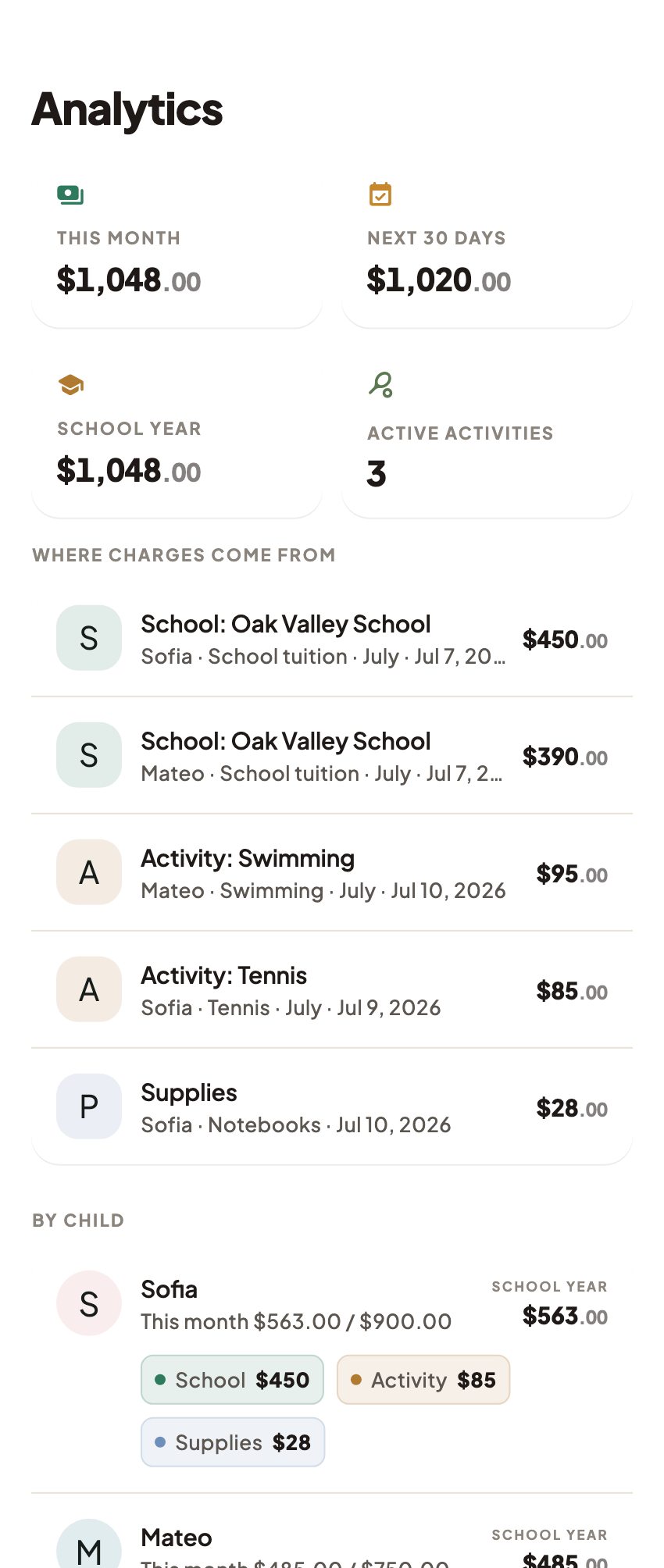
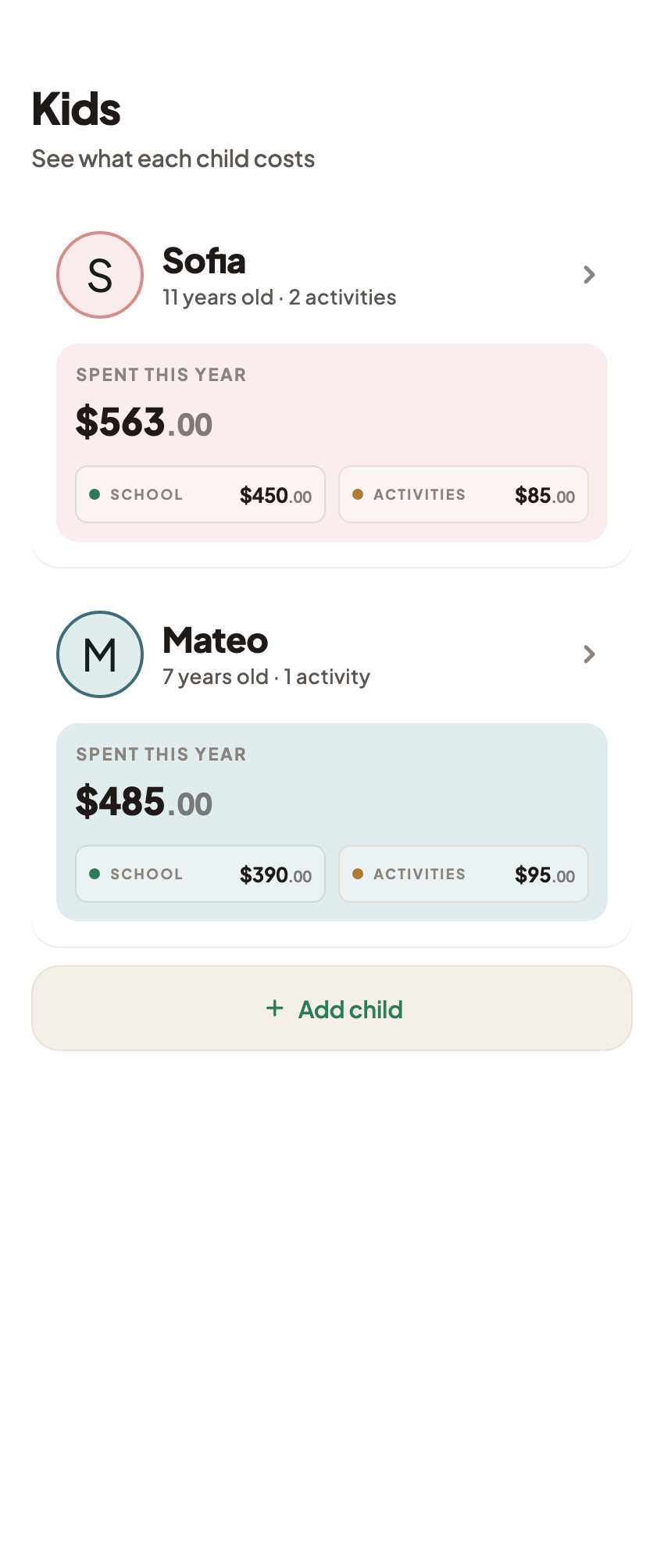
A complete activity record should explain the next class, the purchase behind it, and what remains to be checked with the provider. Expand to the family view only after that one record makes sense.
FAQ
Common questions
Include the child, activity, provider, actual schedule, cost basis, and payment evidence. For a package, add the purchased count and a dated usage history with provider-policy exceptions identified.
Not in a cash-payment total. The purchase is money paid; a per-lesson allocation describes use of that purchase. Adding both would count the same package twice.
This guide does not promise those fields. The verified activity record has provider, schedule, billing choice, amount, and package counts. Keep extra logistics and terms in a companion record or relevant class or expense notes.
