
Coleo guide
Family Expense Tracker App Guide: Explain Kids' Costs Without Double Counting
Build a neutral family expense view with child-specific costs, shared purchases, upcoming commitments, CSV export limits, and realistic privacy boundaries.
Organize family costs by child and activity, then reconcile them to one household total. Separate payments already made from future commitments and keep shared costs from being counted twice. The purpose is to explain needs and timing, not to rank children or claim that a tracker guarantees savings.
- Choose a reporting period and one clearly identified currency.
- Separate actual cash payments from estimates and class-use values.
- Count each shared purchase once at household level.
This guide covers the family-wide view; individual activity and calendar guides cover their own details. The CFPB cash-flow worksheet emphasizes when money arrives and leaves. Coleo's child-related record is only one part of that broader household picture, not a complete assessment of affordability.
Set the counting rules before comparing totals
Choose whether the report answers what was paid during the month or what activities cost for that service period. A package bought last month can provide lessons this month without another payment. Showing its purchase and every allocated lesson value together as cash spending would overstate money leaving the household.
For shared purchases, either keep a family-level line in your worksheet or allocate the amount between children. In Coleo's verified expense model, an expense belongs to a child, so any allocation requires a deliberate method and explanatory notes rather than an assumed shared-cost control.
Example: a family month with unequal needs
These fictitious USD amounts describe a partial child-related budget, not the family's entire finances. Leo's art package purchase happens this month; later lesson usage must not be added again to this cash-payment total.
Allocating shared transport as USD 30 per child gives reporting totals of USD 410 for Maya and USD 185 for Leo. Together they still equal USD 595. Do not retain another USD 60 shared line in that allocated total. The difference between children is descriptive, not a judgment.
| Purpose | Confirmed cost | Paid this month | Still due |
|---|---|---|---|
| Maya: school tuition | 300 | 300 | 0 |
| Maya: music fee | 80 | 0 | 80 |
| Leo: art package | 120 | 120 | 0 |
| Leo: school trip | 35 | 0 | 35 |
| Shared school transport | 60 | 60 | 0 |
| Family total | 595 | 480 | 115 |
Export a record you can explain
Coleo's Settings includes CSV export and encrypted backup. The verified CSV covers expense and class-history rows with dates, categories, amounts, and notes; it does not embed receipt photos. Inspect row types and reporting periods before using it as a cash-spending report. An encrypted backup is for preserving app data, not a PDF statement.
Review a CSV before sharing because it can include names and free-text notes. Save only to an intended destination. The privacy policy distinguishes locally stored family records from exports, analytics, and purchase-service processing; local-first is not a promise that every data flow stays on the phone.
Inside the app
Coleo is a parent-focused organizer for children, schools, activities, schedules, packages, and expense records. Its verified activity billing choices are monthly, package, and per class. Do not assume automatic bank linking, arbitrary billing cadences, shared synchronization, or a full household accounting system.
Free download with optional in-app purchases. See your store for current prices, subscriptions and terms.
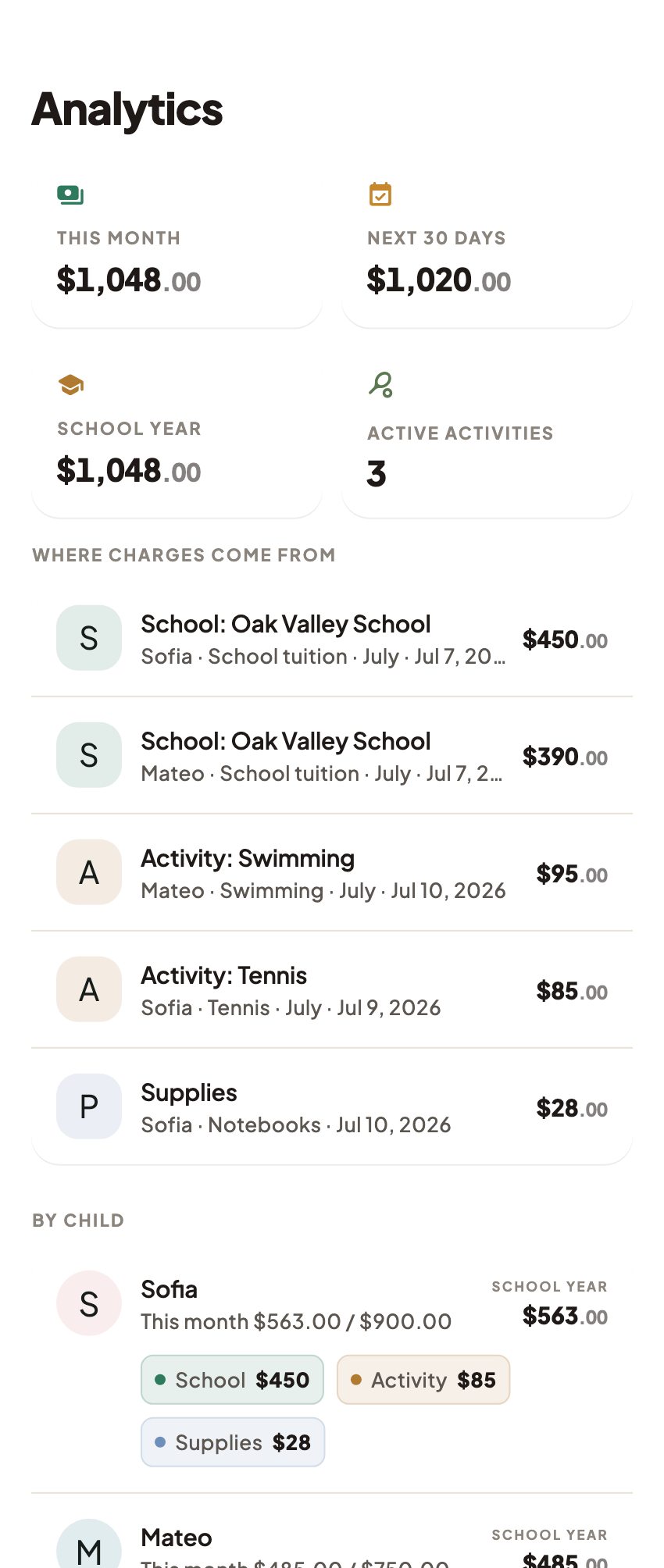
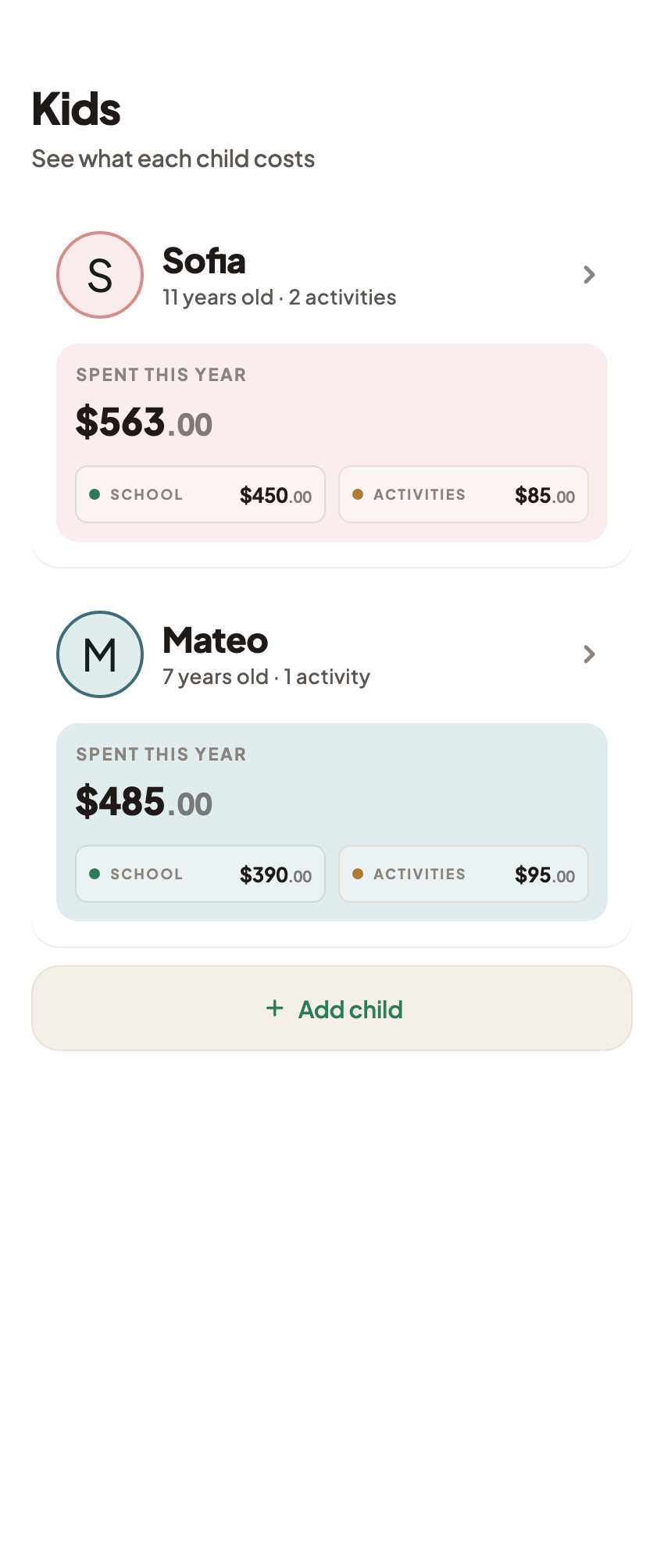
A trustworthy family total reconciles to the underlying records and leaves future commitments visible. Use it to plan around your family's actual needs, without attaching value judgments to each child's subtotal.
FAQ
Common questions
No. Age, needs, schedules, and provider requirements differ. Expense records explain the family's commitments; equal spending is not a measure of a child's value or of fair parenting.
The inspected app provides CSV history export and an encrypted backup file. A native PDF report was not verified. CSV rows include expenses and class entries, so review row types before adding amounts.
No. Family records are stored locally by default, while exports, chosen sharing destinations, analytics, and purchase services have separate data flows described in the privacy policy.
