
Coleo guide
School Tuition Payment Tracker: Reconcile Deposits, Adjustments, and the Balance
Work through a tuition invoice with a deposit, confirmed adjustment, final balance, and payment evidence while keeping manual calculations separate from Coleo controls.
Build a tuition reconciliation for a specific child and billing period: confirmed charge, approved adjustments, payments applied, and balance remaining. Keep a separate registration fee separate. A deposit only reduces tuition when the school confirms its allocation, and a partial payment should not make the entire month look settled.
- Use the school's period and due date, not a generic calendar month.
- Apply only confirmed credits or adjustments.
- Distinguish money sent from payment received and allocated.
This is an illustrative household record, not a school invoice or tax statement. The CFPB bill calendar is a useful way to place the final payment alongside other deadlines. The school remains the source for fee terms, deposit allocation, and the outstanding balance.
Read what each line pays for
Collect the enrollment agreement, current invoice, and any deposit acknowledgment. Write which child and service period each amount belongs to. A charge labeled registration may be additional to tuition, while a reservation deposit may be credited later or governed by separate conditions.
Keep meals, transport, materials, and activity packages on their own lines when they have different terms. Confirm whether a reduction is a discount, correction, or prior credit and whether it applies once. Do not assume an approved adjustment for one child or period applies to another.
Example: a deposit applied to one tuition period
In this fictitious USD example, Maya's registration fee is separate. The school confirms that a USD 100 deposit applies to the first tuition period and approves a USD 20 one-time adjustment. The final tuition payment is not made until its own deadline.
- Adjusted tuition is USD 380: 400 minus 20.
- The tuition balance is USD 280: 380 minus the applied deposit of 100.
- Combined registration and adjusted tuition cost USD 460.
- Total confirmed payments before the final transfer are USD 180; after it is confirmed they total USD 460.
| Line | Amount | Treatment | Evidence or timing |
|---|---|---|---|
| Registration fee | 80 | Separate cost; already paid | DEMO-REG receipt before term |
| Tuition for first period | 400 | Starting tuition charge | DEMO-TUITION invoice |
| Approved one-time adjustment | 20 | Subtract from this tuition period | School adjustment confirmed |
| Deposit allocated to tuition | 100 | Subtract as payment already applied | School allocation confirmed |
| Remaining tuition payment | 280 | Due, not yet paid at first review | Pay by school deadline; obtain receipt |
Represent partial payments without overstating settlement
Keep the original USD 100 deposit payment and its later allocation connected. Applying that deposit is not a new cash expense. When the remaining USD 280 is paid, keep its date and receipt reference; do not add another full USD 380 expense on top of the two payments.
Coleo can record actual expenses and notes, but the verified recurring monthly payment control is not a complete partial-payment allocation system. Maintain this arithmetic in a separate ledger and avoid using a full-month paid action as evidence that a partly settled invoice is complete. Check the next period's invoice because the USD 20 adjustment here was one-time.
Inside the app
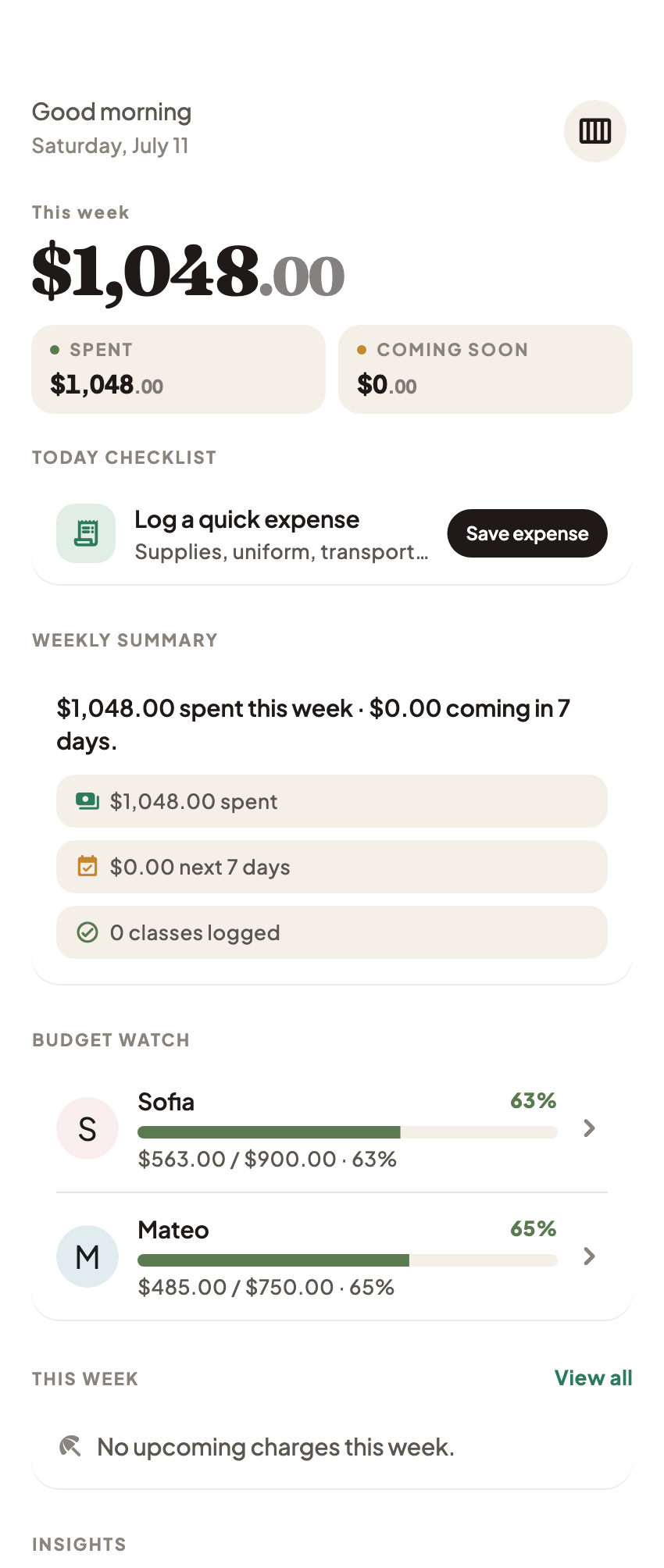
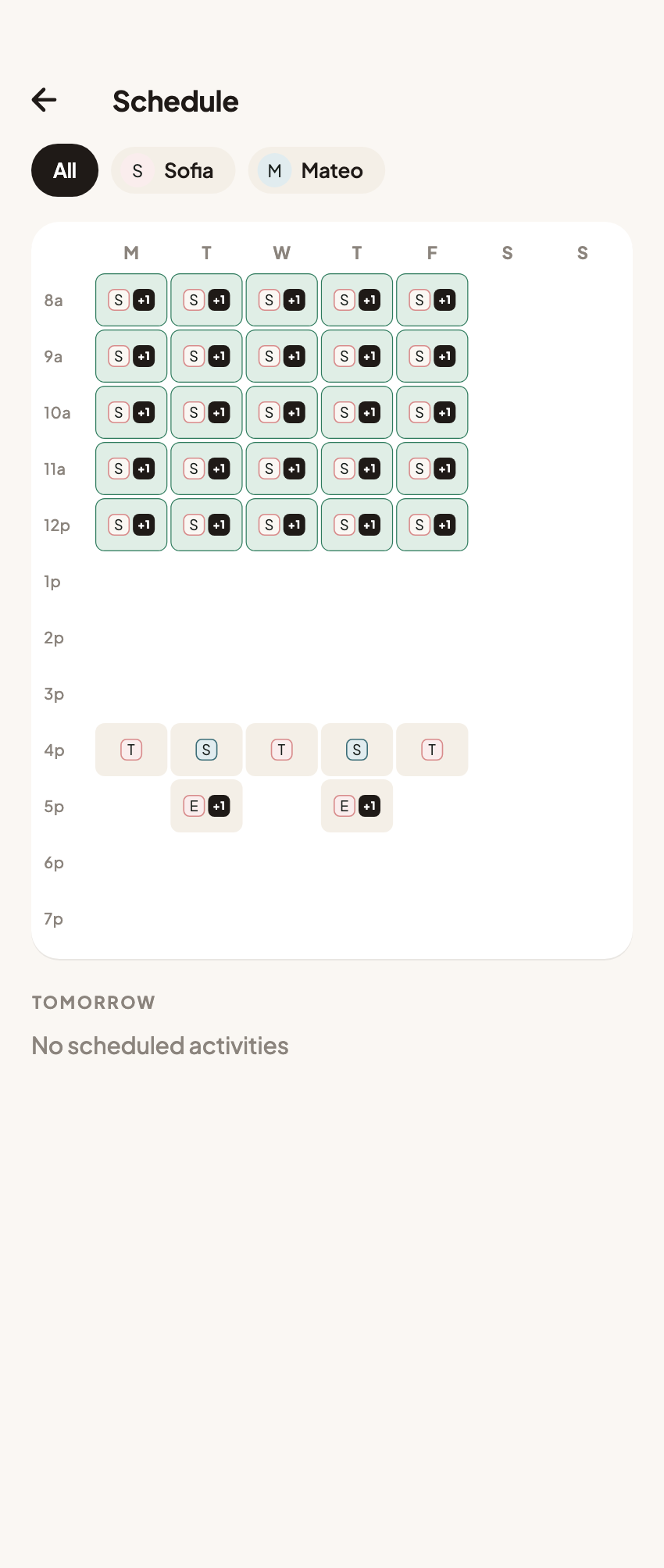
Coleo organizes school records, monthly tuition timing, expenses, and receipt images. Deposit allocation, installment balances, and provider-approved adjustments in this example are manual reconciliation details, not promised native calculations. Coleo neither pays the school nor confirms its ledger.
Free download with optional in-app purchases. See your store for current prices, subscriptions and terms.
Before closing a tuition period, reconcile its adjusted charge to the payments the school actually applied. Preserve the evidence and carry forward only a balance or credit the school has confirmed.
FAQ
Common questions
Not necessarily. Ask the school what each payment covers and whether a deposit is applied to a particular tuition period. Do not subtract a separate registration fee from tuition unless the school says it is credited.
The verified monthly charge flow is not a full installment or deposit-allocation ledger. Use a separate reconciliation for partial payments and keep the school's confirmation in the relevant expense note.
Only when the school confirms it is ongoing. Keep a one-period adjustment attached to that period and check the next invoice independently.
