
Coleo guide
School Fee and Receipt Organizer: Match the Charge to the Evidence
Organize invoices, transfer references, receipt photos, and school confirmations without confusing a requested payment with a settled balance.
Give each school charge a clear label and connect it to the evidence you actually have. An invoice establishes an amount requested, a transfer acknowledgment shows initiation, and a provider receipt can show allocation of payment. None should be silently substituted for another stage of the record.
- Match the child, school period, amount, and purpose.
- Keep the original document and a short retrieval reference.
- Record uncertainty in words instead of marking the whole balance paid.
The CFPB spending tracker recommends keeping records of actual purchases and receipts. School reconciliation adds another question: did the school apply the payment to this particular charge? This guide is for family recordkeeping, not issuing invoices or determining legal proof of payment.
Separate what the document says from what you infer
Read the document's purpose before naming the file. A fee notice, invoice, card authorization, transfer acknowledgment, and paid receipt may contain similar amounts but answer different questions. Even a posted bank debit may need a school confirmation if the payer reference was missing or two children attend the same school.
Use a label such as Maya transport, Term 1, with a short reference to the original source. Avoid full student identifiers, account numbers, or banking details in a general planner note. Preserve the unaltered original securely when it is needed for a dispute or formal process.
Example: a fee with a partially confirmed payment
The following USD 150 transport fee and all document references are fictitious. At the first review, USD 100 is confirmed by the school and USD 50 is still being reconciled. A submitted payment does not justify a second payment without checking.
After the final receipt arrives, confirmed allocations total USD 150 and the balance is zero. The two receipt references document two payments; the fee notice is not a third expense.
| Record | Amount | What it establishes | Family next action |
|---|---|---|---|
| Fee notice DEMO-FEE-01 | 150 | Transport charge for the term | Keep charge reference |
| School receipt DEMO-R-01 | 100 | School confirms first payment allocated | Reference receipt on expense |
| Transfer acknowledgment DEMO-T-02 | 50 | Second transfer submitted; allocation unconfirmed | Check status, do not assume settlement |
| Later school receipt DEMO-R-02 | 50 | School confirms remaining payment received | Close open reconciliation |
Attach an image and make the note useful
In Coleo's expense editor, select the relevant child, enter the actual expense details, and use the receipt-photo control to choose an image or take a photo. Add a note describing the charge period, short receipt reference, and any unresolved allocation. Save, reopen the expense, and check that the image is legible.
If the original is a PDF, retain it in your document storage and put a retrieval reference in the note; the verified picker is for images. Enter amounts yourself and check them against the document. Attaching a picture does not extract its contents or authenticate it with the school.
Inside the app
Coleo provides expense notes and receipt-image attachments for the parent's records. It does not issue school receipts, process a tuition payment, or verify settlement. Its CSV export does not package the receipt images or turn your log into the school's official ledger.
Free download with optional in-app purchases. See your store for current prices, subscriptions and terms.
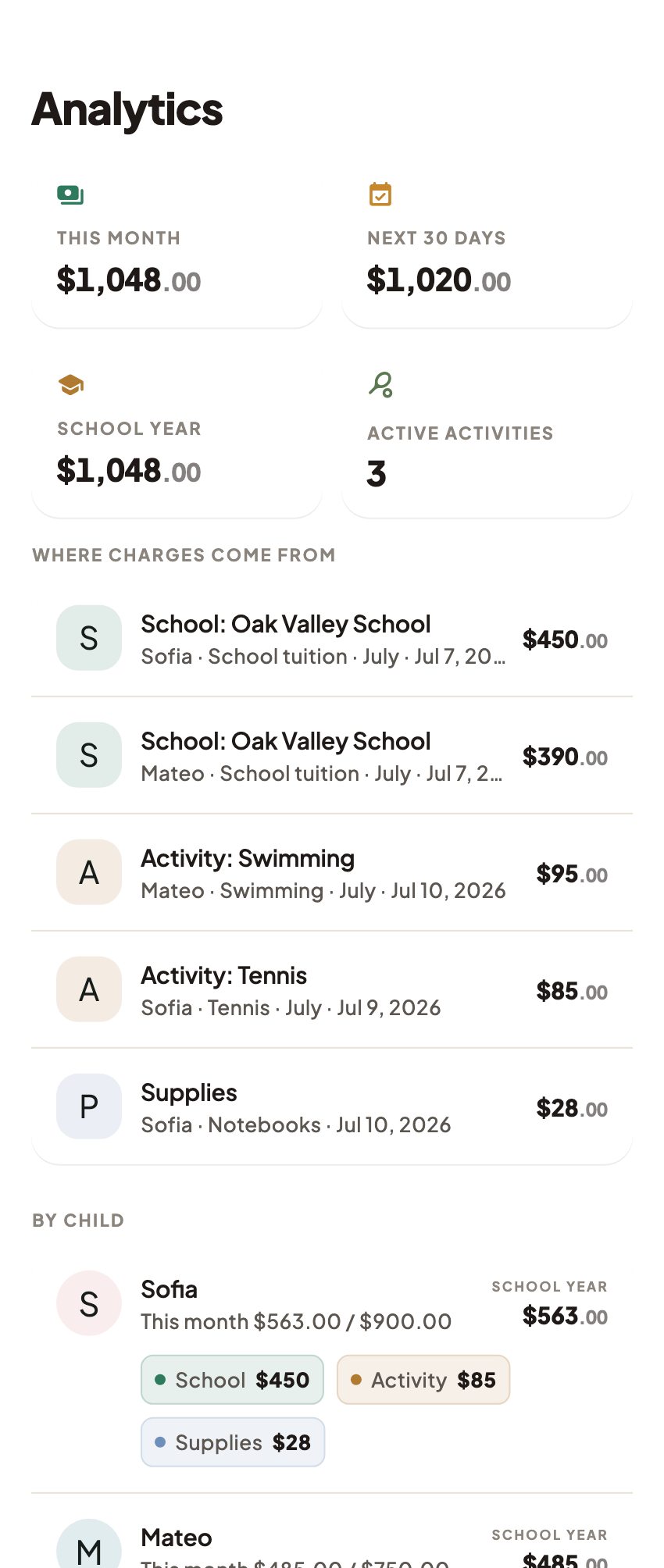
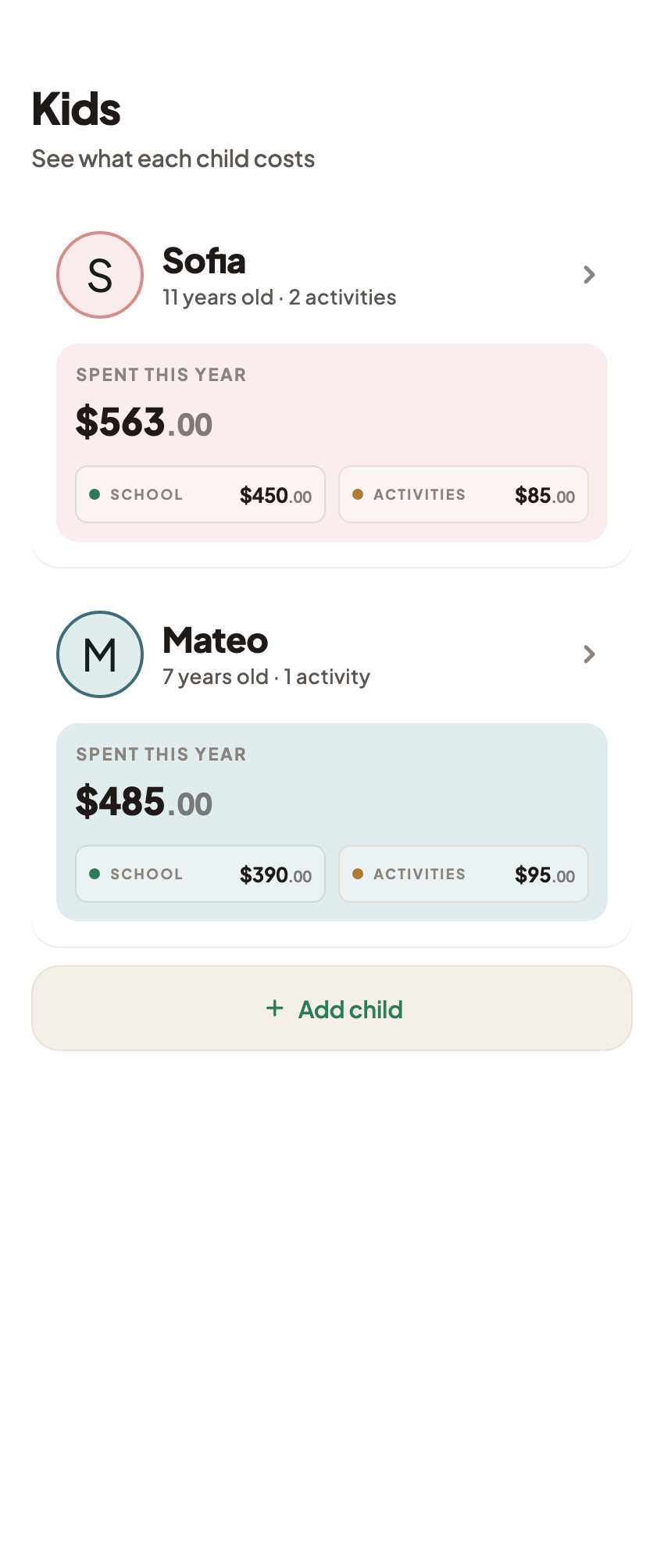
A receipt organizer is useful when it leads to the right evidence quickly. Keep the charge, payment record, and school confirmation connected without counting the same money twice.
FAQ
Common questions
No. An invoice describes a charge. A transfer acknowledgment, posted debit, and school receipt provide different evidence; check that the payment was applied to the correct child and period.
The verified expense editor supports a receipt image chosen from an image file or taken with the camera. It also supports a text note. This is not an OCR or general PDF-import claim.
No. The verified CSV contains expense and class-history rows, including notes, not embedded receipt images. Keep the original documents separately and check backup behavior in your installed version.
