
Coleo guide
Best Kids' Activity Expense Tracker Apps: Selection Criteria, Not a Ranking
Compare a notebook, spreadsheet, and Coleo against a worked family scenario using disclosed criteria and verified capabilities, not an independent app ranking.
The best kids' activity expense tracker is the approach that handles your actual records with understandable limits. Test child-specific costs, one recurring fee, a package exception, and finding a receipt. Compare the work required in a notebook, spreadsheet, and focused app instead of relying on a generic top-app list.
Producer disclosure: Gaia Superlab makes Coleo and publishes this guide. This is our selection framework, not an independent ranking or a report of hands-on competitor testing.
- Check your hardest routine, not only the easiest demo.
- Inspect export contents and privacy disclosures.
- Treat reminders as assistance, not payment or renewal guarantees.
The comparison concerns three approaches, not specific competing products or their prices. Coleo capabilities were checked against its source implementation and official product materials. Store terms, platform availability, and the installed version should still be checked before choosing a paid option.
Example: choose criteria from a small family case
In this fictitious USD scenario, Maya has an eight-class art package costing USD 160 and Leo has a USD 75 monthly music fee. The family also shares a USD 24 supply purchase. One art absence is charged by the provider despite nonattendance, and a paper receipt needs to be found later.
The commitments total USD 259, but the package purchase and allocated session values must not become separate cash payments. The charged absence is deliberately included because it tests a real limitation: Coleo's skipped classes do not consume package sessions. A separate policy reconciliation is needed.
Compare the recordkeeping work
These are capability-based tradeoffs, not measured speed or satisfaction results. No approach is scored as a universal winner.
| Task | Notebook | Spreadsheet | Coleo |
|---|---|---|---|
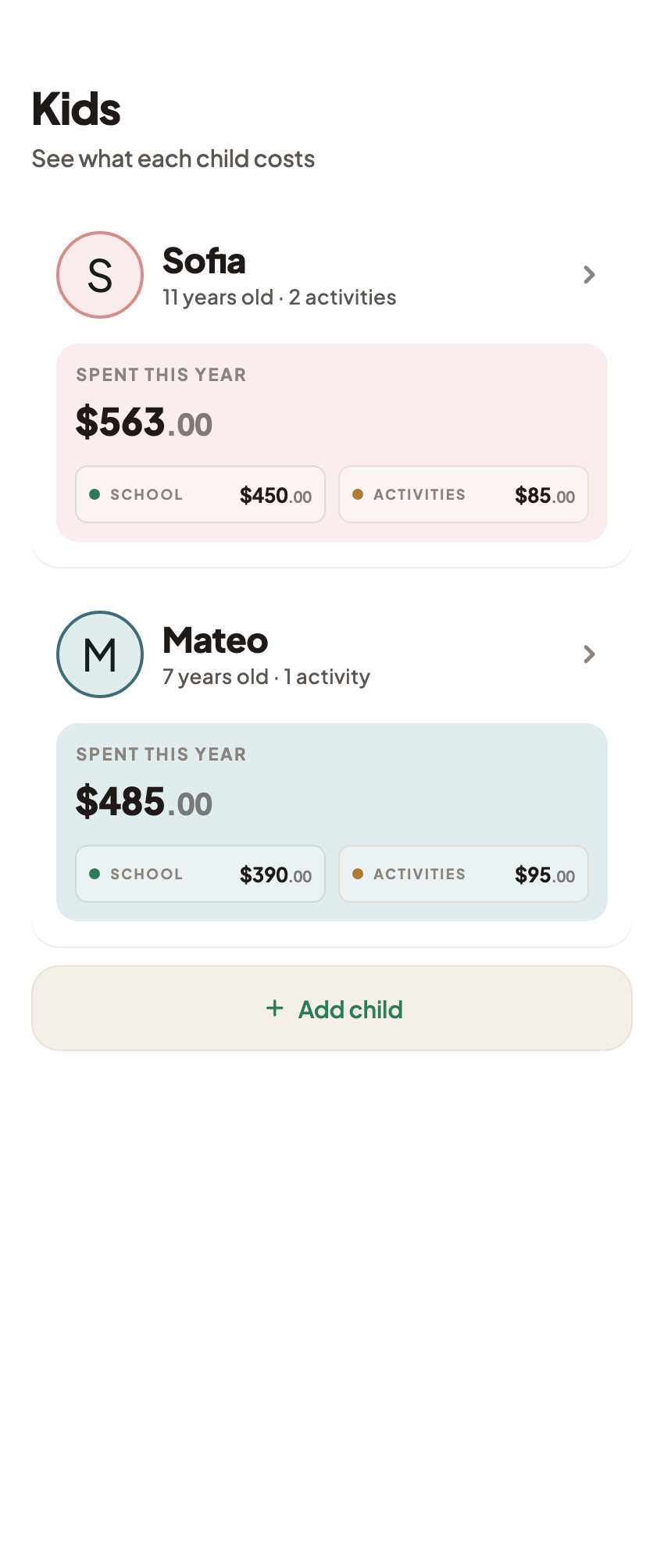
| Find records by child | Separate labeled pages | Child column and filters you set up | Child-based records |
| Track package exception | Write debit and reason manually | Create and verify policy-specific ledger | Taken/skipped log; charged absence needs separate reconciliation |
| Split shared USD 24 | Write USD 12 allocations | Formula can allocate after setup | Manual child allocation with notes; avoid duplicate total |
| Find receipt | Keep labeled paper reference | Add reference to stored file | Expense receipt-image attachment |
| Review a monthly due date | Check written calendar | Maintain dated rows | Monthly records and local reminders; permission-dependent |
Check limits before moving the whole family record
Start with one activity and an expense, then reopen both and check a correction. In Coleo, inspect the CSV export before using it elsewhere: it contains expenses and class history, not a bank-verified statement or embedded receipt archive. Do not assume a native PDF report, bank feed, or automatic caregiver synchronization.
A notebook may be sufficient for a few simple costs. A spreadsheet offers flexibility when custom allocation and provider rules dominate. Coleo fits a phone-based child and activity record when its native structure matches the task. Privacy choices also matter: local family storage does not eliminate analytics, purchase processing, or the consequences of sharing exports.
Inside the app
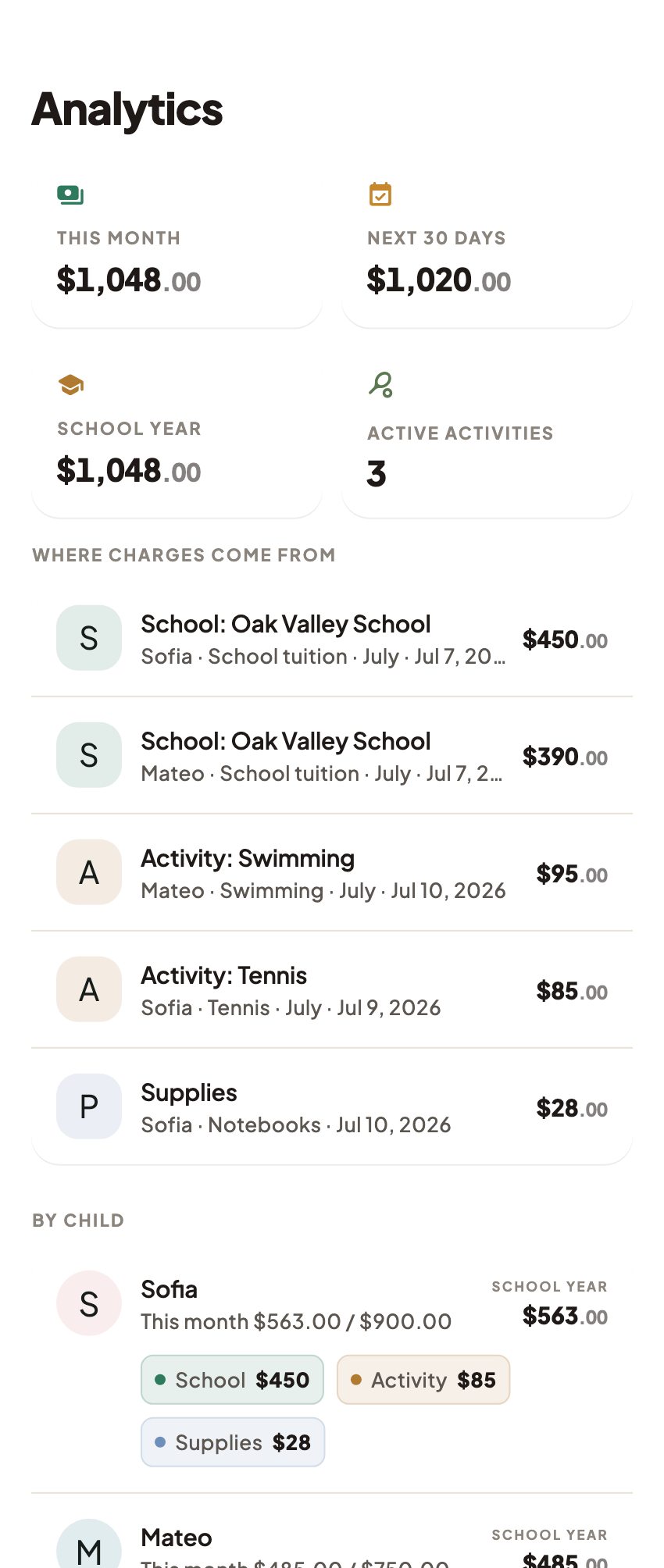
Coleo's role here is a disclosed producer option with verifiable child records, schedules, monthly/package/per-class costs, expense receipt images, CSV export, and local reminders. It does not collect tuition, certify provider balances, or guarantee that a deadline will never be missed.
Free download with optional in-app purchases. See your store for current prices, subscriptions and terms.
Choose the approach whose records you can maintain and reconcile. The test is whether you can explain the next payment and the package exception, not whether an article calls a product number one.
FAQ
Common questions
No. Gaia Superlab produces Coleo and this guide. It compares recordkeeping approaches using disclosed criteria; it does not claim independent testing, a reviewer panel, or competitor rankings.
A spreadsheet fits custom formulas, shared-cost allocations, and provider-specific ledgers when someone can maintain and verify them. A notebook can work for a smaller number of straightforward records.
No tool guarantees those outcomes. Accurate entries, provider reconciliation, and working notification settings remain necessary. Coleo does not verify bank settlement or act on provider agreements.
