
Payooo guide
Debt Payoff Spreadsheet Template: One-Month Website and CSV Estimates
Use 24 in the website APR field and 0.24 in the exported CSV to estimate one month, with minimum plus extra, rounded interest and a capped payment.
Payooo is for planning and tracking. It is not financial advice.
This debt-payoff worksheet estimates one month, not a full payoff schedule. Enter 24 for 24% APR on the website; the exported CSV stores that rate as 0.24 in C2. Opening balance and minimum plus extra determine the estimated interest, capped payment and ending balance.
- Website APR field: enter 24 for 24%. Exported CSV annual-rate cell C2: use 0.24. Use 0 for a known zero rate in either format.
- Use nonnegative amounts in a single currency and cents where applicable.
- Planned payment means minimum plus optional extra, not a confirmed transfer.
- Compare the next statement separately; do not overwrite it with the estimate.
Website percentages and CSV fractions express the same annual rate in different formats. The simplified model assumes one unchanged rate and a payment after one month's modeled interest. It excludes fees, new purchases, rate changes and daily balances. It is not a lender bill, a payoff quote or a prediction of the final repayment date.
Enter the inputs and preserve their meaning
Use the opening balance for the period you want to estimate. Take the required payment from the creditor's current statement and choose an optional extra from your budget. Their sum is the planned payment used by the model; the worksheet does not calculate what the lender requires.
Keep account label, due date and payoff priority as organizational context. Priority means your chosen target order, not payment method. Bank transfer or card-issuer portal belongs in a different note. Do not mix currencies or replace an unknown rate with zero.
Follow the formulas in order
The CSV estimates interest as ROUND(opening balance * fractional APR / 12, 2), using 0.24 for the website's 24% input. Set planned payment to minimum plus extra. The modeled payment is MIN(planned payment, opening balance + estimated interest). This is a calculated amount, not a real transaction.
Ending balance is MAX(0, opening balance + estimated interest - modeled payment). Cap the payment before calculating the ending balance so an oversized plan does not imply an overpayment. Use the CSV's cell references when inspecting formulas; the names here explain the logic.
Example: $1,000 at 24% APR
These fictitious USD cases use $100 minimum plus $20 extra for a $120 planned total, matching the default website and CSV example. With website APR 24, exported as 0.24, $1,000 * 0.24 / 12 gives $20 interest, then $1,000 + $20 - $120 = $900. Additional rows check zero interest and the payment cap.
| Opening USD | CSV APR fraction | Planned USD | Interest USD | Modeled payment USD | Ending USD |
|---|---|---|---|---|---|
| 1,000.00 | 0.24 | 120.00 | 20.00 | 120.00 | 900.00 |
| 1,000.00 | 0 | 120.00 | 0.00 | 120.00 | 880.00 |
| 50.00 | 0.24 | 120.00 | 1.00 | 51.00 | 0.00 |
Check the import and recognize the real limits
After opening the CSV, check that C2 contains the fraction 0.24, rather than the website's percentage input 24, and that the default row evaluates to $20 interest and $900 ending balance. Check locale decimal separators and formula handling; formulas imported as text or showing errors are not usable calculated results.
Spreadsheets can create charts, conditional formatting and sophisticated repayment models; those features require configuration and are not included in this minimal CSV. A full schedule would need additional logic for changing balances, minimums, rates and allocation. The CFPB explains why daily card-interest calculations can differ from APR divided by 12.
Inside the app
Payooo offers manual debt tracking and estimated payoff scenarios when a phone-based workflow suits you. It also needs current inputs and does not reproduce every creditor rule. Choose it for workflow convenience, not because spreadsheets cannot calculate or visualize debt.
Free download with optional in-app purchases. See your store for current prices, subscriptions and terms.
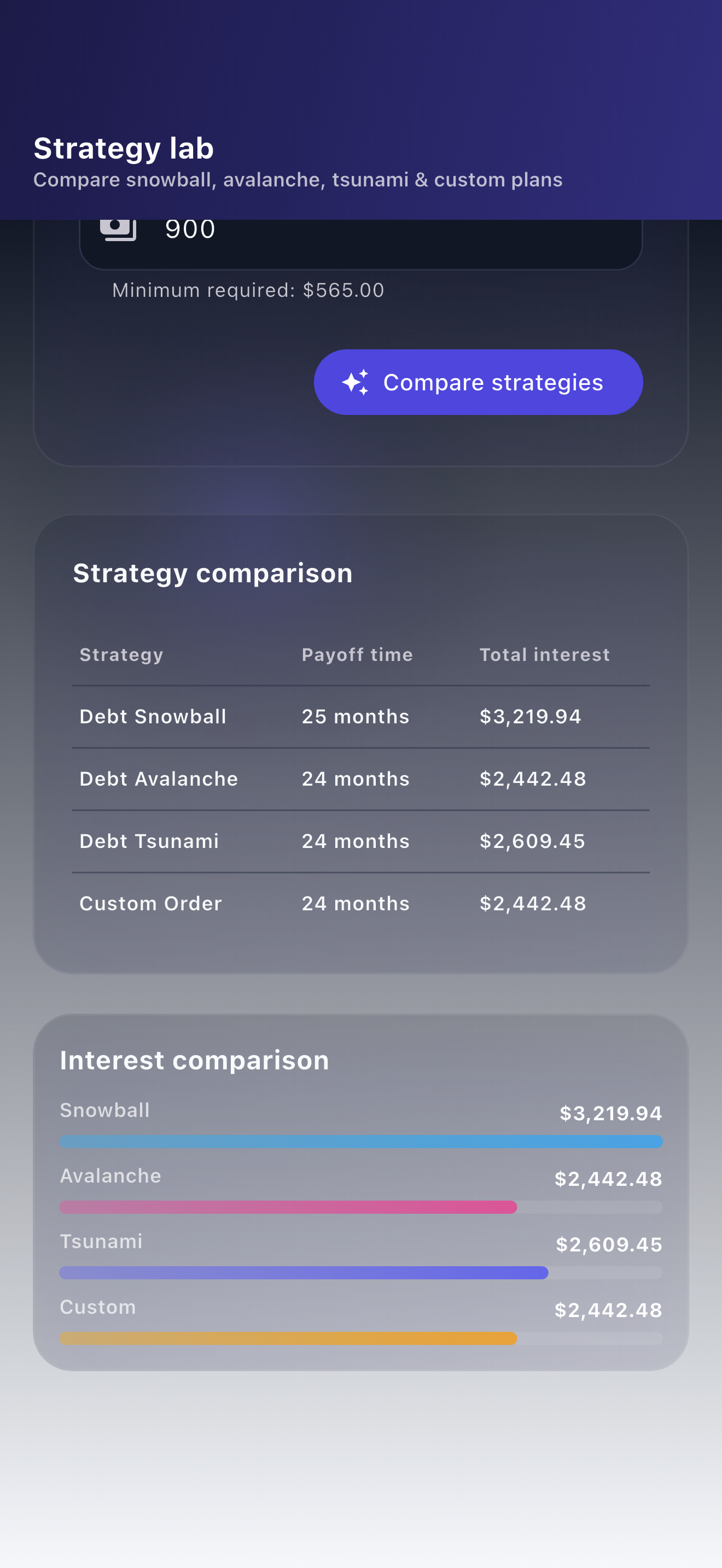
Use this worksheet to inspect one transparent period. Use creditor records to establish actual amounts owed, and the related strategy guide to understand payment order without mistaking the CSV for a full schedule.
FAQ
Common questions
One simplified month: estimated interest, a modeled payment capped at balance plus interest, and an ending balance. It does not calculate a full repayment schedule or predict a debt-free date.
Enter 24 in the website's APR percentage field. The exported CSV stores the equivalent fraction 0.24 in annual-rate cell C2. When editing that CSV cell, use 0.24, not 24, and check how your spreadsheet imports and displays the value.
Yes. With an explicit zero annual rate, modeled interest is zero and the capped payment reduces the opening balance directly. Zero is a known rate, not a substitute for an unknown APR.
Many cards use daily balances and account-specific rules. The worksheet excludes daily timing, fees, new purchases and rate changes, so it is not a reconstruction of lender billing.
