
Peptiva guide
GLP-1 Travel Checklist: Confirm Instructions and Prepare Your Records
Prepare product-specific storage and transport questions, contacts and reminder notes with a blank checklist and a fictitious planning example, without universal travel rules.
Educational only. Not medical advice.
Before departure, prepare a record of the exact medication, confirmed product instructions, contact details and unresolved travel questions. Keep those facts separate from phone reminders. This checklist does not prescribe storage temperatures, medication timing, injection technique or universal rules for crossing a border with medicine.
- Identify the product and presentation before asking storage questions.
- Record who confirmed each instruction and when.
- Keep a dated list of items still awaiting an answer.
MedlinePlus includes storage and handling information for semaglutide, but product and presentation details matter. Do not apply one product's rules to another. Travel permission, carrier requirements and destination rules also need their own checks. A packed bag or an app reminder is not evidence that those questions are resolved.
Use a checklist with a source for every instruction
Keep the following fields in a note or printed document. Enter confirmed instructions in your own working copy rather than borrowing values from an online example. A source and confirmation date help you recognize when a statement is old, incomplete or meant for a different presentation.
For transport questions, identify the actual carrier and relevant departure, transit and destination authorities. For medication storage and timing, identify the product guide and pharmacist or clinician who can clarify it. This table is a blank planning resource, not a completed medical or border-clearance form.
| Field | Information to enter | Confirmation |
|---|---|---|
| Product | Exact name and presentation from packaging | Source and date |
| Storage | Confirmed instructions for this presentation and trip | Product guide or pharmacist; date |
| Transport | Route-specific documents and handling requirements | Authority or carrier; date |
| Supplies and disposal | Items and disposal arrangements confirmed for the trip | Professional or destination contact; date |
| Timing question | Instructions received for the actual travel itinerary | Clinician or pharmacist; date |
| Contacts | Clinic, pharmacy and relevant local contacts | How to reach them while away |
Work through one fictitious departure plan
Fictitious example, not Peptiva app data: Avery plans a September trip from Panama to London. Before leaving, Avery records the exact prescribed product, attaches the written storage instructions supplied by the pharmacist and lists the transit details. The transport-document question remains marked awaiting carrier confirmation rather than being assumed complete.
Avery's planning note reads: Product checked September 1; pharmacist conversation recorded September 2; transport documents still unresolved; last confirmed event available in the log. It contains no dose, temperature or revised injection time. The next administrative action is to obtain the outstanding answer, not improvise a medication plan.
Prepare the app and an accessible reference
In Peptiva, review the recorded medication and last confirmed event, then open Settings and Reminders to inspect the saved reminder. Record the destination and time zone in a separate note. Compare settings only with instructions confirmed for your itinerary; do not let a displayed local time create new medication advice.
Keep essential contacts and confirmed instructions accessible if your phone is unavailable. Choose a copy method you control and consider the health details it exposes. During travel, distinguish a reminder from a confirmed event and note uncertainties. After returning, use the separate reconciliation guide to review the timeline rather than guessing what happened.
Inside the app
Peptiva can keep reminder settings and tracking history available for reference. It does not verify transport requirements, monitor medication storage conditions or authorize a time-zone-related treatment change. The planning fields above are manual notes, not a dedicated travel-clearance feature.
Free download with optional in-app purchases. See your store for current prices, subscriptions and terms.
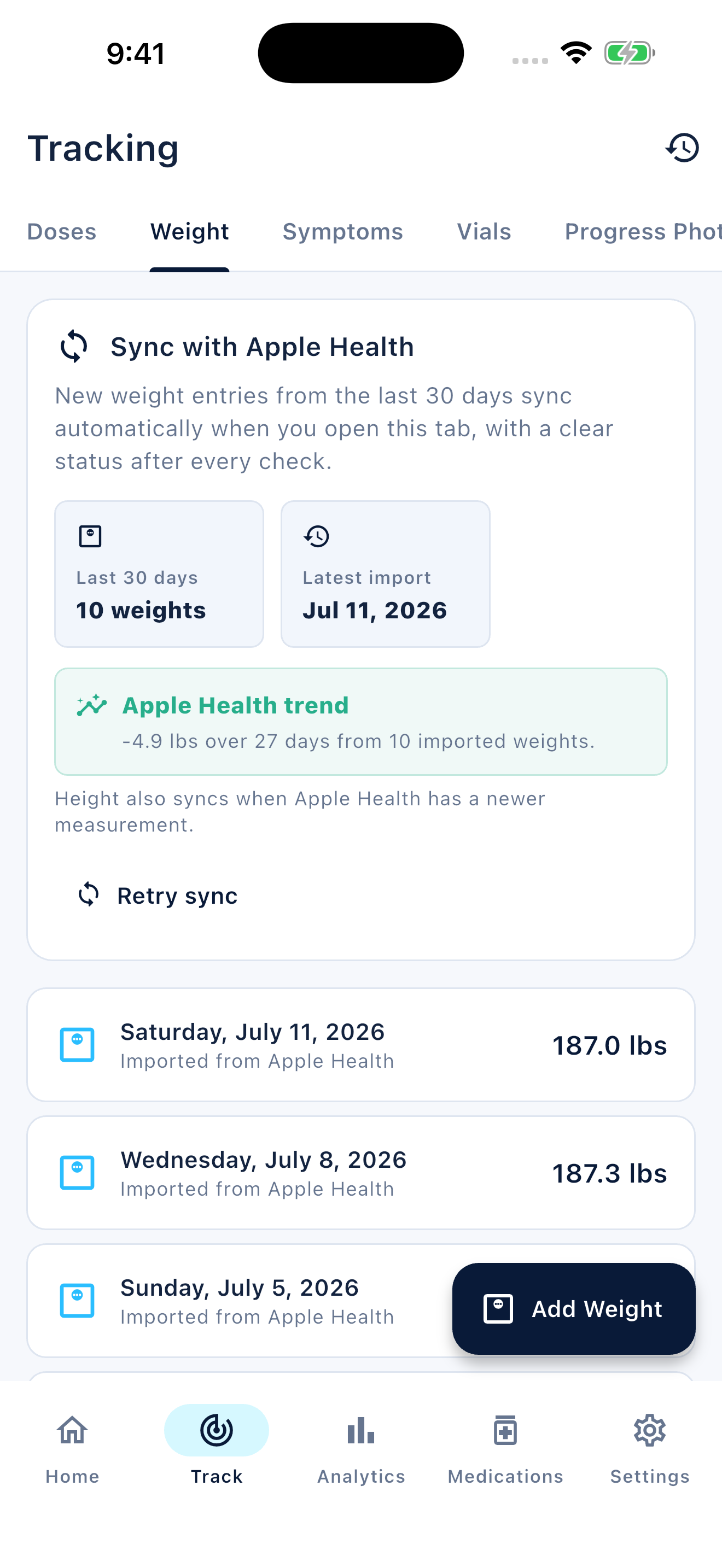
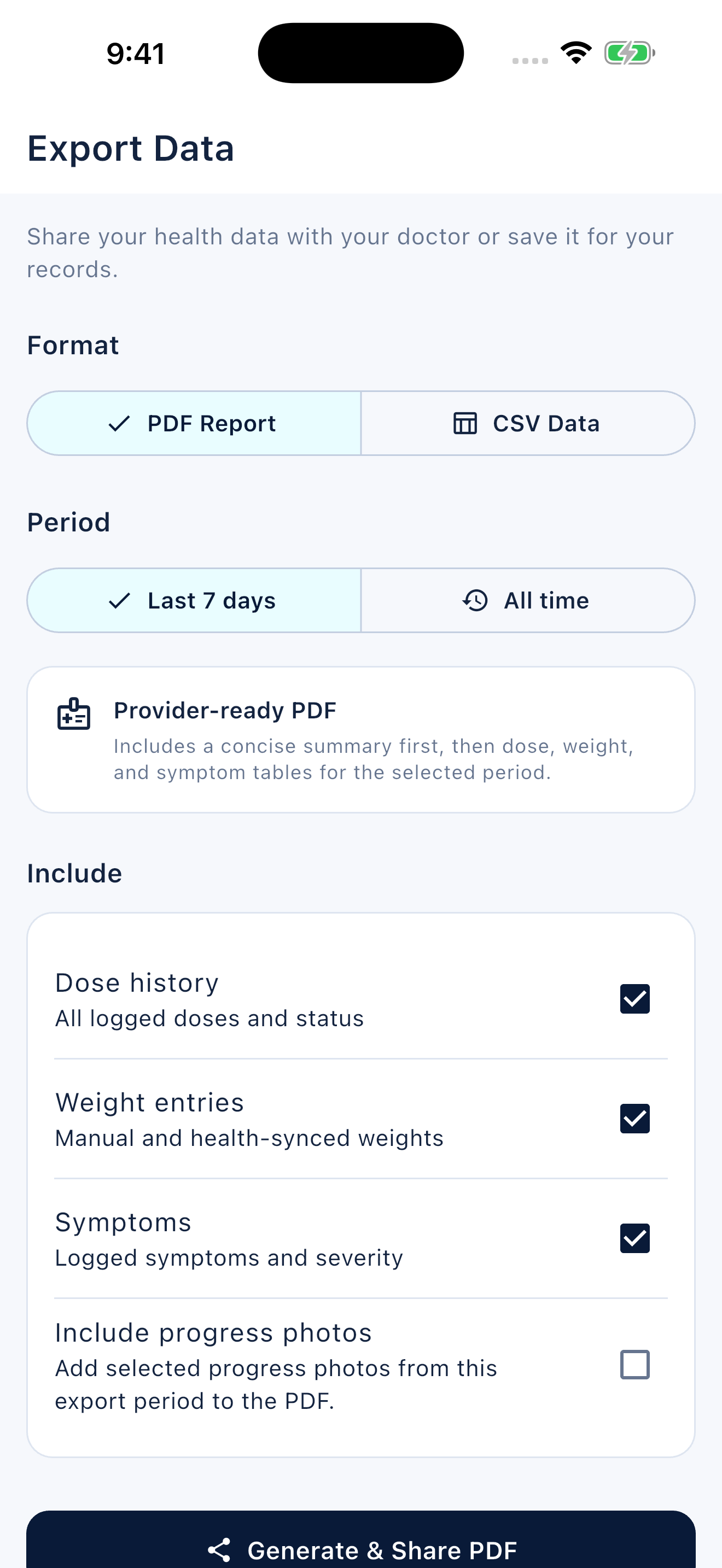
A useful pre-trip checklist shows what is confirmed, where the answer came from and what still needs attention. It prepares the record without inventing medical or travel rules.
FAQ
Common questions
No. Record the instructions confirmed for your exact product and presentation. Ask your pharmacist or clinician about timing and storage, and check the relevant transport authorities for your route.
No. Review the displayed reminder and keep the destination time zone in your notes. The phone cannot determine which medication instructions apply to your trip.
Keep it marked unresolved and contact the appropriate professional or authority before relying on a plan. An incomplete checklist should not be presented as clearance to travel with or use medication.
