
Peptiva guide
Semaglutide Injection Schedule: Record Your Individually Prescribed Plan
Record the exact semaglutide product and instructions you received, distinguish plans from confirmed events and preserve changes without a generic dosing timetable.
Educational only. Not medical advice.
A semaglutide injection schedule log should record the exact product and the individual instructions you were given, then distinguish those instructions from confirmed events. This article does not supply doses, a titration timetable, a universal interval or a fixed injection-site rotation. The log must follow the prescription, not create it.
- Identify the exact product and the source of its instructions.
- Keep planned reminders separate from actual events.
- Record changes only after they have been individually confirmed.
Semaglutide appears in different products and presentations. MedlinePlus's injection information directs patients to their Medication Guide and healthcare professionals for questions. Do not copy a schedule from another person's record, a differently labeled product or an app default. A familiar medicine name is not enough to verify the instructions.
Create a reference note for the prescription you actually have
Use the current prescription and product packaging to identify the name and presentation. Record where the instructions are kept, who clarified any question and when. Copy the individualized wording accurately into your own record; this article deliberately leaves medication amounts and timing instructions out of its example.
If two sources appear to conflict, write down the discrepancy and ask your pharmacist or prescriber to reconcile it. Do not choose the version that best fits the reminder options. A scheduled app entry and a clinic instruction are different kinds of information.
| Record | Example note |
|---|---|
| Product reference | Exact prescribed product and presentation checked against packaging; details kept in personal record |
| Instruction source | Pharmacist clarification recorded August 28; written instructions retained |
| Reminder check | Saved reminder compared with the individually confirmed instructions |
| Confirmed event | September 1, 7:20 pm; recorded at the time; site recorded separately |
| Open question | Older calendar note differs from current written instructions; clarification requested |
| Change history | New instructions will receive a dated note; earlier history remains identifiable |
Log the event without using it to interpret treatment
After an event you can confirm, record its actual date and time and the details you know. Add the site retrospectively rather than filling in a next-site sequence. If an event is uncertain, use a separate note; a reminder notification cannot resolve it. If the record is late, distinguish event time from entry time.
Keep symptoms and weight observations descriptive. The log cannot establish absorption, explain a symptom, tell you that an apparent plateau is normal or infer effectiveness from hunger. Medication changes and concerns belong in a conversation with a qualified professional, not in a reaction to an app chart.
Choose a record format that preserves the same distinctions
A notebook can keep the instruction reference and event history on separate pages. A spreadsheet can use separate planned and actual columns and can produce weight charts. Both can be useful without an app; a separate phone reminder may handle notifications. Keep unknown fields explicit in whichever format you choose.
An app can reduce repeated entry and collect history in one place, but its convenience does not validate its defaults for your prescription. When travel or an uncertain event disrupts the record, bring the exact product and timeline to your pharmacist or clinician. Do not calculate a replacement event from this guide.
Inside the app
Peptiva supports medication records, reminders, injection-site history, symptoms and weight tracking. Use those capabilities to document the plan you were given. Treat any planner, estimate or visual suggestion as software output, not a prescription or an instruction to change treatment.
Free download with optional in-app purchases. See your store for current prices, subscriptions and terms.
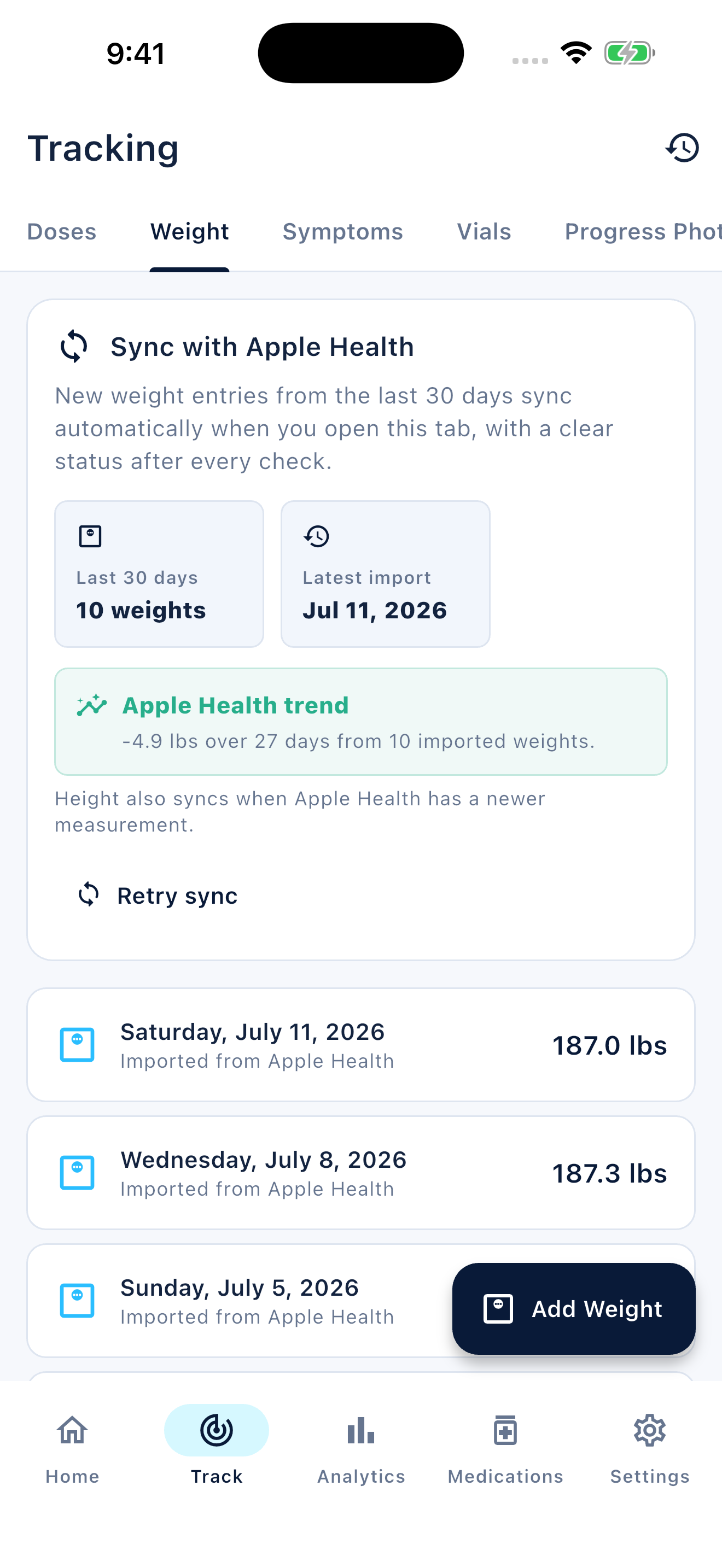
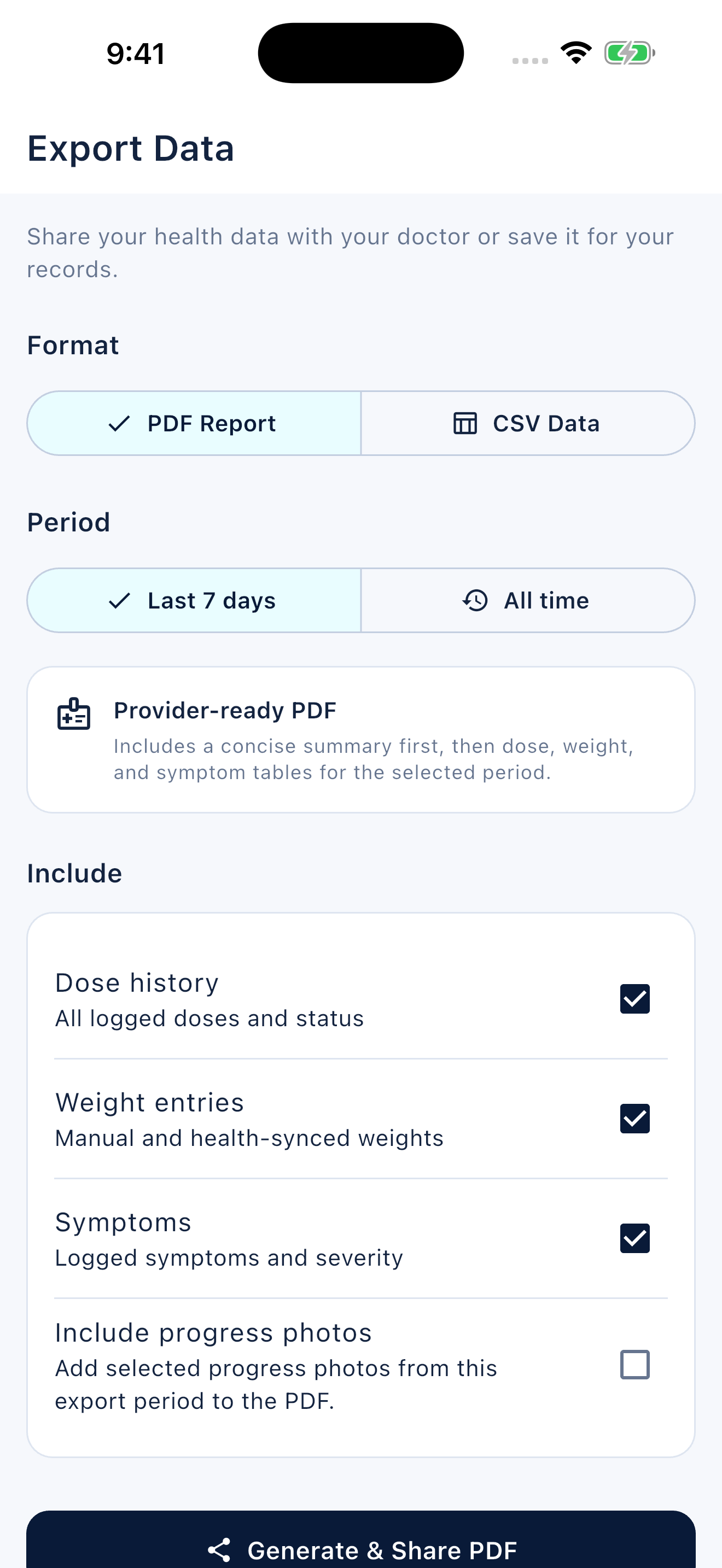
The right schedule record is faithful to the individual's product and instructions. It preserves history and unanswered questions without inventing the next medical step.
FAQ
Common questions
Enter only the instructions for your exact prescribed product as confirmed by your clinician or pharmacist. This guide provides no dose, titration timetable or universal injection frequency.
This guide does not provide one. Keep a retrospective site history and use the instructions supplied with your exact product for site selection and technique.
Yes. A spreadsheet can hold dated readings and generate charts. It needs a template and careful entry; an app is an alternative, not the only way to visualize a record.
