
Peptiva guide
GLP-1 Injection Tracker Checklist: A Clear Personal Record
Use a blank record template and a completed fictitious example to separate product instructions, reminders, confirmed injections and optional observations.
Educational only. Not medical advice.
A useful injection tracker separates the product reference, the planned reminder and the event you can actually confirm. Add the site and observations only when known. This checklist is for documentation, not preparing or administering medication, choosing injection frequency or deciding which site to use.
- Confirm what happened before marking an event taken.
- Copy product details from the prescription, not a generic template.
- Keep symptoms, hunger and weight as separate dated observations.
This is the starting template for a personal record. The linked site, symptom, reminder and appointment guides develop individual tasks. MedlinePlus's semaglutide page shows why medication instructions must remain product-specific. A blog checklist cannot authorize a dose, establish a technique or replace instructions from your care team.
Start with a small blank template
Keep the template in whatever format you will maintain. The planned reminder and actual event should have separate spaces. Include a place for uncertainty so a missing detail does not force you to invent one. Product instructions can be kept as a reference instead of repeatedly rewritten from memory.
Use this blank version in a notebook or document. These are suggested recordkeeping fields, not a claim that Peptiva has a dedicated control for each one.
- Exact product and prescription reference: blank until verified.
- Planned reminder date and time: blank until confirmed against instructions.
- Actual event date and time: blank unless known.
- Site and side actually recorded: unknown where not remembered.
- Relevant observation and its own date: optional.
- Question, contact and response: separate notes.
Check a completed example for unsupported assumptions
The example shows a confirmed historical event with a later observation. It contains no dose recommendation or prescribed interval. The record of nausea is separate because symptom onset and injection time are different facts. The example does not say that one caused the other.
If your own record differs, preserve that difference. An entry made the next morning should say so. If you know an event occurred but not its exact time, keep the time approximate rather than borrowing the reminder time.
| Field | Example entry |
|---|---|
| Product reference | Current prescription checked; exact product retained in personal record |
| Planned reminder | September 1, 7 pm; represents existing individual instructions |
| Confirmed event | September 1, 7:15 pm; entered at the time |
| Site record | Area and side recorded separately from product instructions |
| Later observation | September 2, about 6 pm: nausea; episode note kept separately |
| Open question | Which symptom details should I bring to the next visit? |
Use a short completeness check, not a treatment check
Read the saved record once: correct product, correct event date, planned and actual times separated, and unknown details still visible. Check whether a second entry might duplicate the same event. Do not turn a documentation gap into a medical conclusion about missed treatment or create a completed event merely to remove an alert.
Then stop. Weight, hunger, photos and additional notes are optional recordkeeping tools unless your care team has requested specific monitoring. You do not need to complete every possible field to ask a question. Seek care for concerning symptoms without waiting to finish the checklist, and use product-specific advice for uncertain medication use.
Inside the app
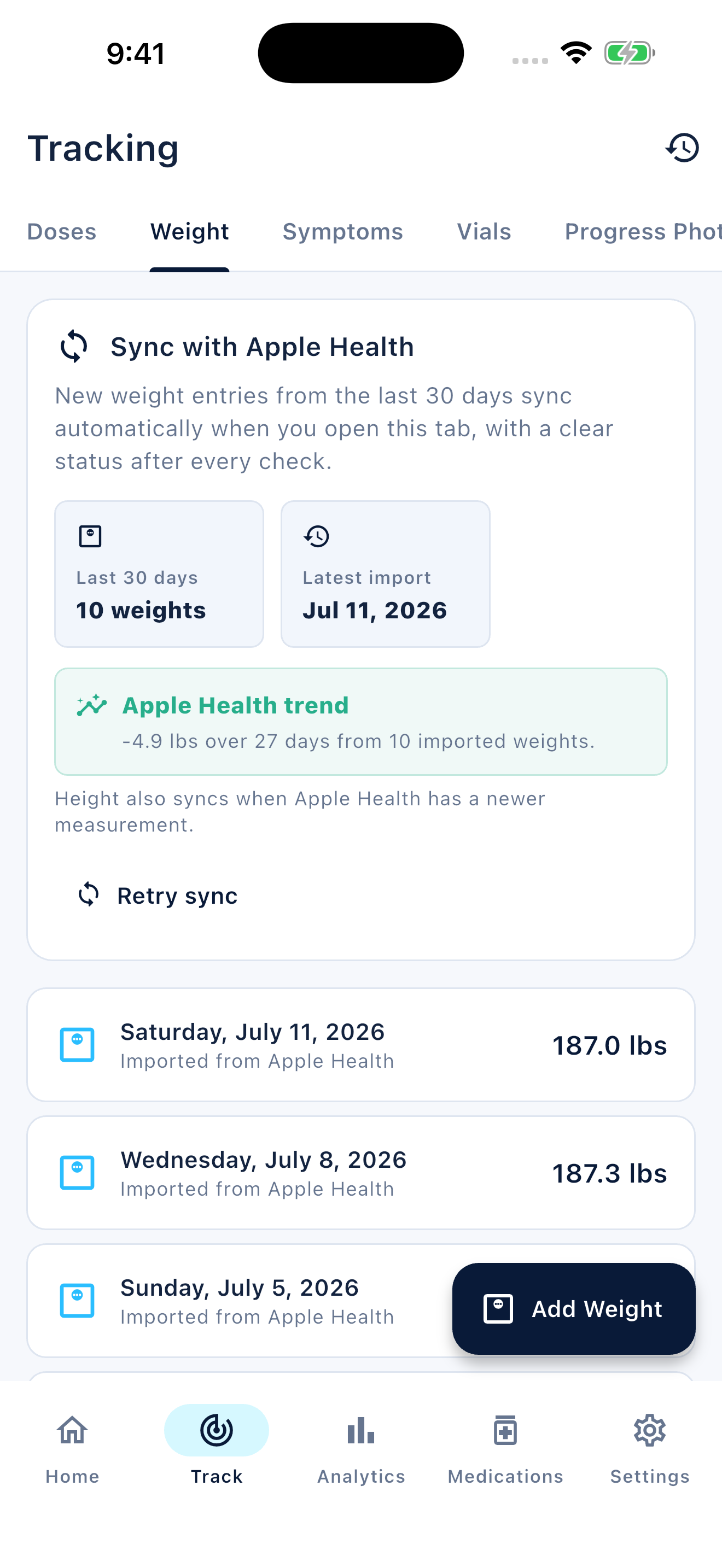
Peptiva brings injection records, sites, reminders, symptoms and weight tracking together. Use a journal note for uncertainty or contact details that do not fit a dedicated field. The app's available options should not be mistaken for instructions for your prescription.
Free download with optional in-app purchases. See your store for current prices, subscriptions and terms.
Keep a small, truthful record that you can find later. The checklist is complete when it represents what you know, not when every blank has a value.
FAQ
Common questions
An identifiable product, an event date and time you can confirm, and a clear distinction from the planned reminder. Add other known details without guessing.
No. Those depend on your exact product and the instructions you received. This is a documentation template, not an administration checklist.
This template imposes no measurement schedule. Keep those observations separate and follow any monitoring instructions from your care team.
