
Payooo guide
A Due-Date Organizer for Multiple Debts: Build One Reliable List
Create a three-account due-date register with statement amounts, review dates and evidence notes, without confusing reminders with completed payments.
Payooo is for planning and tracking. It is not financial advice.
Build a single register of required amounts and due dates for all debts, then add a separate review date for each one. The register should identify the next obligation even before you have decided how to fund it.
- Use the current statement amount and due date.
- Give each account a short recognizable label.
- Distinguish payment deadlines from promotional review dates.
- Keep reminders, submission evidence and recorded payments separate.
This is an inventory of obligations, not a full household budget. The companion budget-calendar guide adds paydays and cash allocations. Keeping those jobs distinct makes it easier to spot whether a problem is a missing deadline or insufficient money before a known deadline.
Give every account the same basic fields
Collect the latest statements and record account label, statement date, amount due, due date and payment channel. Add the date you intend to review or submit the payment, based on the creditor's actual processing instructions.
Do not assume one universal lead time. The CFPB notes that even online bill-pay services may take time to process. For US cards, receipt and applicable cutoffs matter; other debts and countries have their own rules. Verify those details with the creditor.
Example: three accounts in one September register
These USD amounts and dates are fictitious. Review dates are organizational choices, not verified processing guarantees. The three required payments total $260. A promotional review is listed separately because it is not another bill.
- Sort payment rows by actual due date.
- Retain the current statement even if the previous minimum was lower.
- Label the promotion review so it is not added to the $260 payment total.
| Account or event | Amount USD | Due or event date | Review note |
|---|---|---|---|
| Card Home | 45 | September 8 | September 4: check issuer portal |
| Personal Loan | 180 | September 17 | September 11: verify payment instructions |
| Card Travel | 35 | September 25 | September 21: check current statement |
| Card Travel promotion review | Not a payment | September 15 | Check separate expiry terms |
Use an evidence legend, not invented app states
For your own notes, use planned to mean an intention, submitted to mean a payment instruction was sent, and confirmed to mean the creditor shows receipt. Add a date and evidence reference where useful. These are manual checklist labels, not verified Payooo status controls.
Payooo's payment record contains an amount, date and optional memo; it does not fetch bank confirmation. Avoid adding the same payment when both a bank notification and a creditor receipt arrive. A recurring reminder also does not prove an automatic debit succeeded.
Maintain the register as statements change
After each new statement, check the amount and date instead of carrying the old minimum forward automatically. For weekly or twice-monthly obligations, list their actual occurrences; a day-of-month summary alone can miss a payment.
When dates cluster, take that information to the budget calendar. If you request a changed due date from a creditor, retain the old one until the new terms take effect. Keep unresolved questions visible rather than moving a date merely to make the calendar look easier.
Inside the app
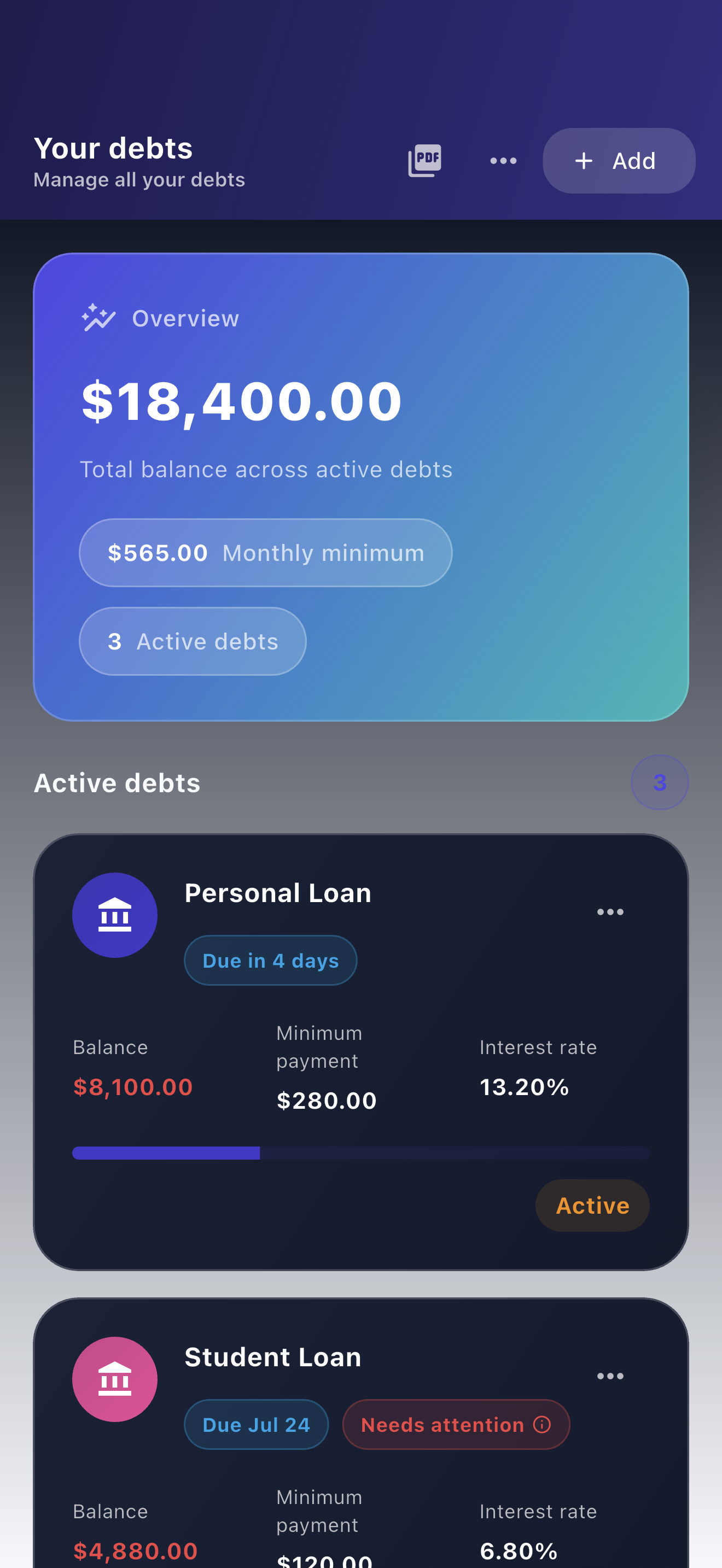
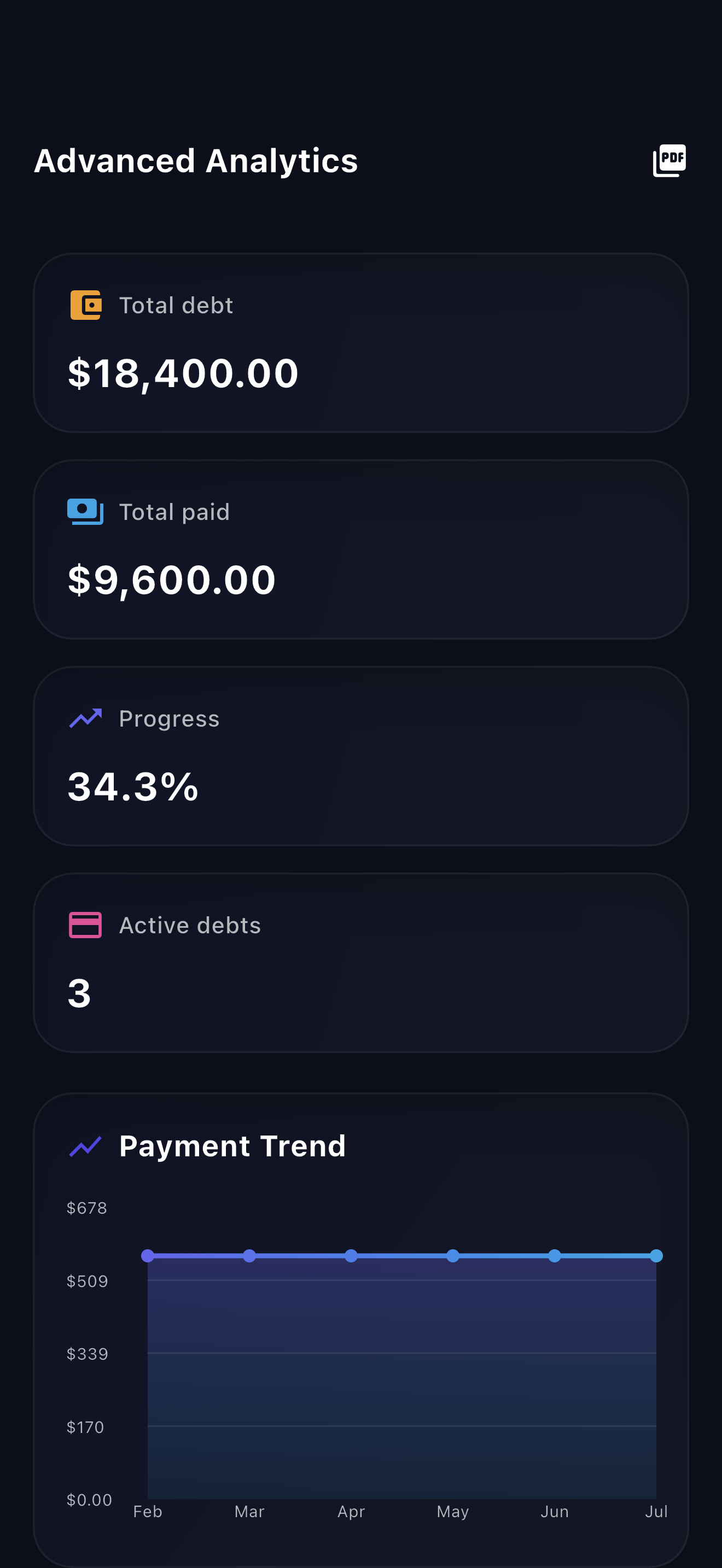
Payooo supports manual due timing and payment reminders alongside debt records. Check notification permissions and compare the displayed timing with the creditor's current instructions. Use it as an organizer, not as payment execution or proof of receipt.
Free download with optional in-app purchases. See your store for current prices, subscriptions and terms.
A reliable due-date list tells you what needs attention and where its date came from. Funding the obligation is the next planning step, not something a reminder can do for you.
FAQ
Common questions
The organizer inventories account deadlines and required amounts. A budget calendar adds income and essential spending to decide which money funds each obligation.
No. A reminder only requests attention. Verify submission and creditor receipt separately, and record confirmed payments once.
No. An app edit changes your planning record only. Ask the creditor whether a change is available and verify its effective date before relying on it.
