
Payooo guide
Debt Payoff Calendar: Match Due Dates to Available Monthly Cash
Work through a monthly cash-flow calendar with two income dates, debt payments, essential costs and money reserved for next month's rent.
Payooo is for planning and tracking. It is not financial advice.
A debt-payoff calendar should connect obligations to money that is available before they fall due. Add income dates, essential costs and already reserved cash to the due-date register, then check the running balance before scheduling an optional extra payment.
- Start with cash carried into the month, not income alone.
- List actual income availability and obligation dates.
- Separate visible cash from cash already reserved.
- Choose submission dates using the creditor's processing instructions.
This guide is about funding known deadlines, not building the account inventory or forecasting variable freelance income. The CFPB cash-flow budget works through when money arrives and leaves; the example applies that idea to a full debt-planning month.
Build two layers before calculating extra
First copy required amounts and due dates from the debt register. Then add income availability, housing, food, transport and other essential costs. Use conservative spending allocations where exact dates are unknown, and show what each allocation covers.
Keep payment submission dates separate from due dates. This cash calendar is not a promise of same-day processing. If a card payment may take time to arrive, use the issuer's instructions to choose a suitable earlier action date.
Example: September with two income dates
In this fictitious USD example, Lee begins with $1,000 and receives $1,400 on both September 5 and 20. Essential costs total $2,100 and required debt payments total $300. Spending blocks are reserved on the dates shown so they are not treated as free cash.
Before the optional September 28 payment, $1,400 remains. Of that, $900 is for October rent and $300 is Lee's chosen buffer. Only $200 is unassigned in this example. The final $1,200 is already reserved, not a second opportunity for extra debt payment.
| Date | Cash allocation or receipt | Change | Unallocated running cash |
|---|---|---|---|
| September 1 | Opening cash | +1,000 | 1,000 |
| September 1 | Rent | -900 | 100 |
| September 5 | First income | +1,400 | 1,500 |
| September 6 | First essential-spending block | -500 | 1,000 |
| September 8 | Card Home obligation | -80 | 920 |
| September 16 | Loan obligation | -120 | 800 |
| September 20 | Second income | +1,400 | 2,200 |
| September 21 | Second essential-spending block | -700 | 1,500 |
| September 25 | Card Travel obligation | -100 | 1,400 |
| September 28 | Possible extra after reserve check | -200 | 1,200 |
Stress-test the lowest-cash point
The tightest point is September 1 after rent, when only $100 remains before the first income. Sending $200 extra that day would create a $100 gap even though the whole month's income appears sufficient. This is the timing problem a monthly total hides.
Move uncertain receipts later in a copy of your plan and ask what becomes uncovered. If the required payments cannot fit, contact the relevant creditor about options rather than simply moving its due date in your app. A requested change is not effective until confirmed.
Turn the calendar into a repeatable handoff
Mark reserved, intended and verified amounts in your own calendar notes so each dollar is assigned once. When an obligation is paid, record the actual event separately; releasing a spending allocation should not accidentally create fictitious income.
At month-end, carry forward both the remaining cash and its commitments. Starting October with $1,200 does not mean starting with $1,200 to spend freely. Reconcile debt balances during the monthly review, while the weekly check-in watches the next deadlines.
Inside the app
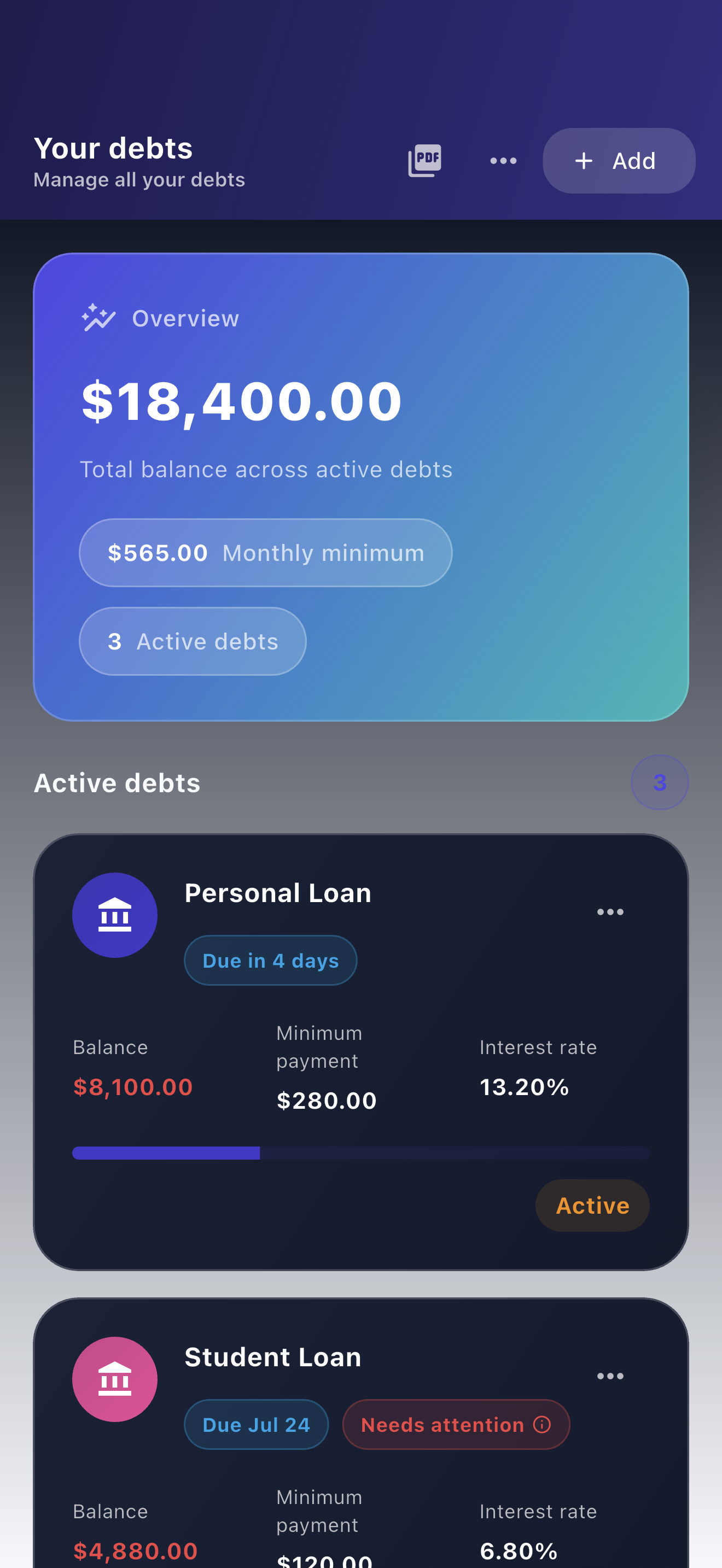
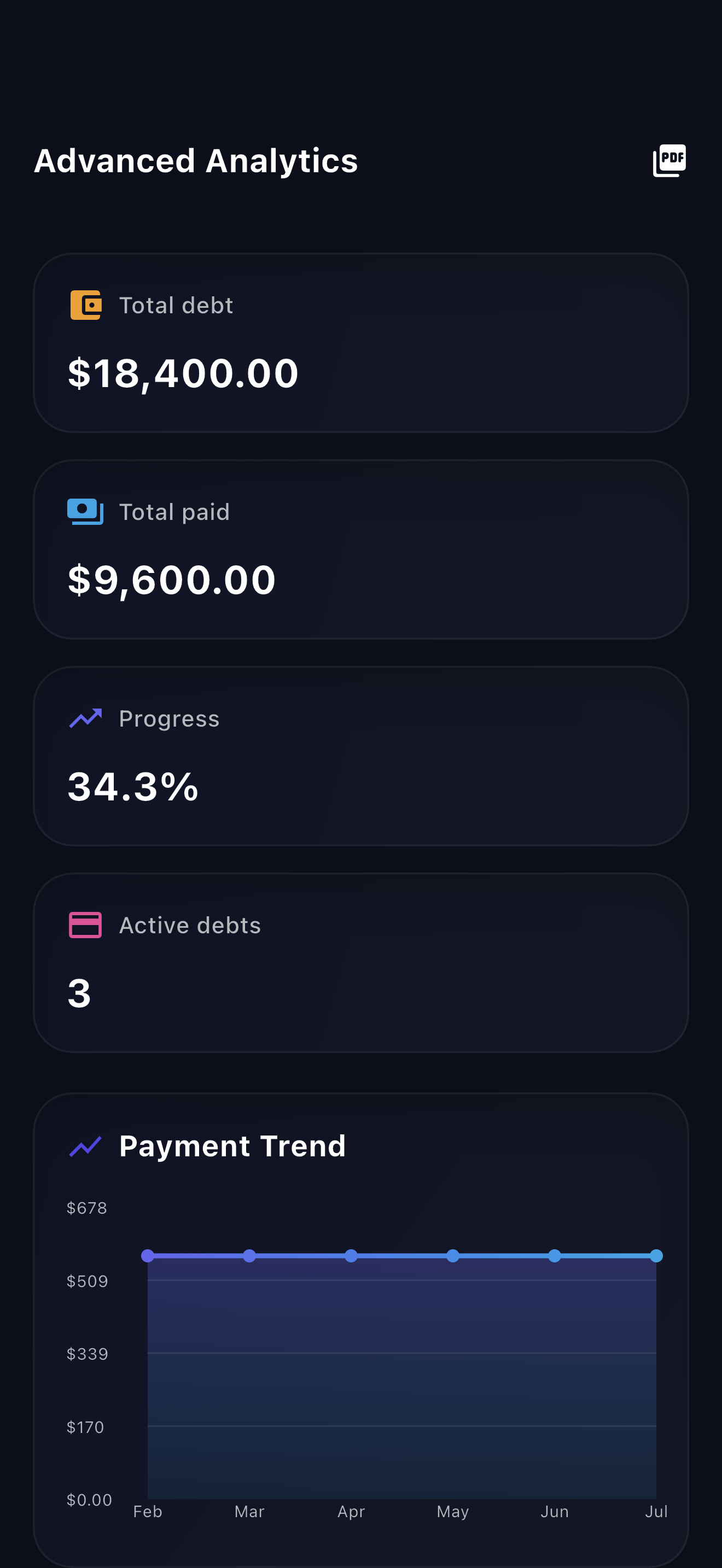
Payooo can supply manual debt amounts, due timing and reminders for this calendar. Keep income and essential-spending allocations in your budgeting system; the illustrated running cash ledger is not a claim about a Payooo screen. The app does not submit payments.
Free download with optional in-app purchases. See your store for current prices, subscriptions and terms.
Fund the dates, not just the monthly total. A calendar becomes useful when it shows both the lowest-cash point and the money that already belongs to next month.
FAQ
Common questions
It can hide a shortfall before an earlier due date. A calendar shows whether usable cash is available when each obligation must be paid.
No. Some may already be reserved for next month's rent, a known expense or a buffer. Separate those allocations before calculating optional extra.
No. Only the creditor can confirm a changed contractual date. Keep the current obligation in the calendar until a requested change is effective.
