
Payooo guide
How to Track Debt Progress Without Linking a Bank Account
Set up a manual debt record, distinguish intended payments from creditor confirmation, and understand privacy, export and backup boundaries.
Payooo is for planning and tracking. It is not financial advice.
You can track debt without bank linking by entering a small set of statement figures and checking them regularly. The important distinction is between your record and the creditor's evidence. Manual tracking gives you responsibility for accuracy; it does not provide automatic verification or absolute privacy.
- Use short account labels instead of full account numbers.
- Copy the statement date with the balance, APR, minimum and due date.
- Keep intentions separate from recorded completed payments.
- Review exports, backups and external-service disclosures.
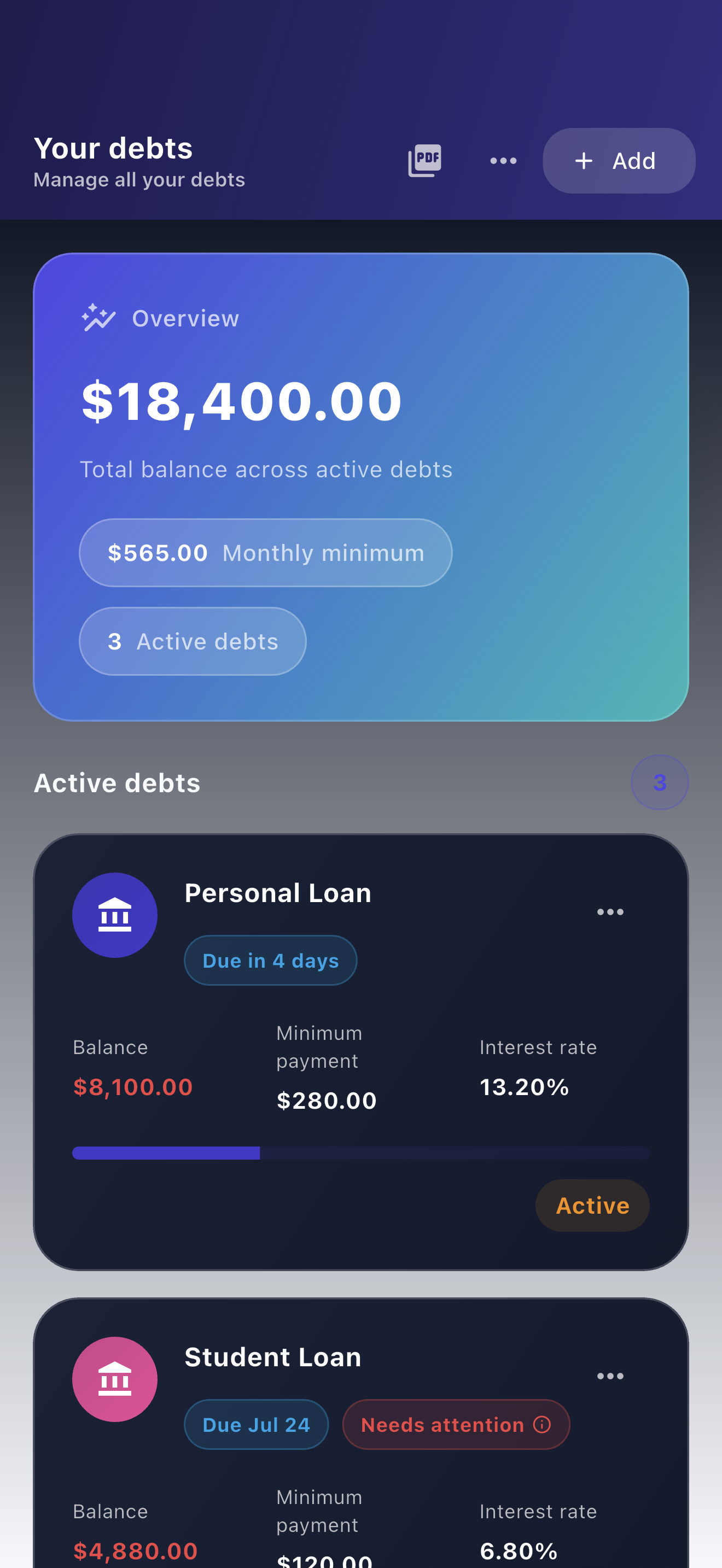
A notebook, spreadsheet or manual app can all support this workflow. Choose the one you can maintain and protect. This guide uses Payooo's actual manual debt form and payment record structure, without treating note labels as bank-connected status controls.
Create a minimal debt record
In Payooo, add a debt with a recognizable name, remaining balance, APR, required payment and due timing. Use notes for the statement date and relevant context. Check whether the rate field expects a percentage. The website's one-month worksheet uses a percentage, while its exported CSV stores the annual rate as a decimal in C2.
For this example, enter Card Home, $900 balance, 18% APR and a $35 required payment due on the 18th. Do not paste banking passwords, full card numbers or a complete statement into a note. Keep authoritative documents in your own secure storage.
Example: follow one payment from intention to evidence
The following fictitious USD timeline is an external checklist, not a set of Payooo status buttons. It demonstrates why a reminder and a saved payment record are not proof that a creditor received money.
After creditor confirmation, select the debt in the payment form, enter the date and amount, and optionally add a short memo. Verify the resulting balance later. The app's estimated interest/principal split is not an imported breakdown from your creditor.
| Date | What is known | Recordkeeping action |
|---|---|---|
| September 10 | $60 intended for Card Home | Keep as a plan or note; do not count as paid |
| September 12 | Payment submitted in creditor portal | Retain receipt; note submission separately |
| September 14 | Creditor shows $60 posted | Record payment date and amount once |
| Next statement | New closing balance available | Reconcile interest and other activity |
Separate local storage from wider privacy choices
Payooo uses local debt storage and does not require bank linking. Its code and public store disclosures also identify external services for functions such as subscriptions, analytics and advertising. This is not a claim that every data category stays on the phone.
An export or shared backup can leave the device through the destination you choose. An encrypted backup is different from an ordinary CSV: do not assume all exported files are encrypted. Check cloud-folder sharing, device backup settings and who can unlock the phone before adding sensitive notes.
Build a recovery and reconciliation habit
Choose a regular review date and retain only the supporting evidence you need. Before changing devices, check what your chosen backup contains and how restoration works. A settings-only backup is not necessarily a copy of all debts and payments.
If a payment should appear on a statement but does not, contact the issuer and follow its billing-error process. The CFPB guidance linked below concerns US credit cards; other accounts and jurisdictions differ. Do not mark uncertainty as paid just to clear a reminder.
Inside the app
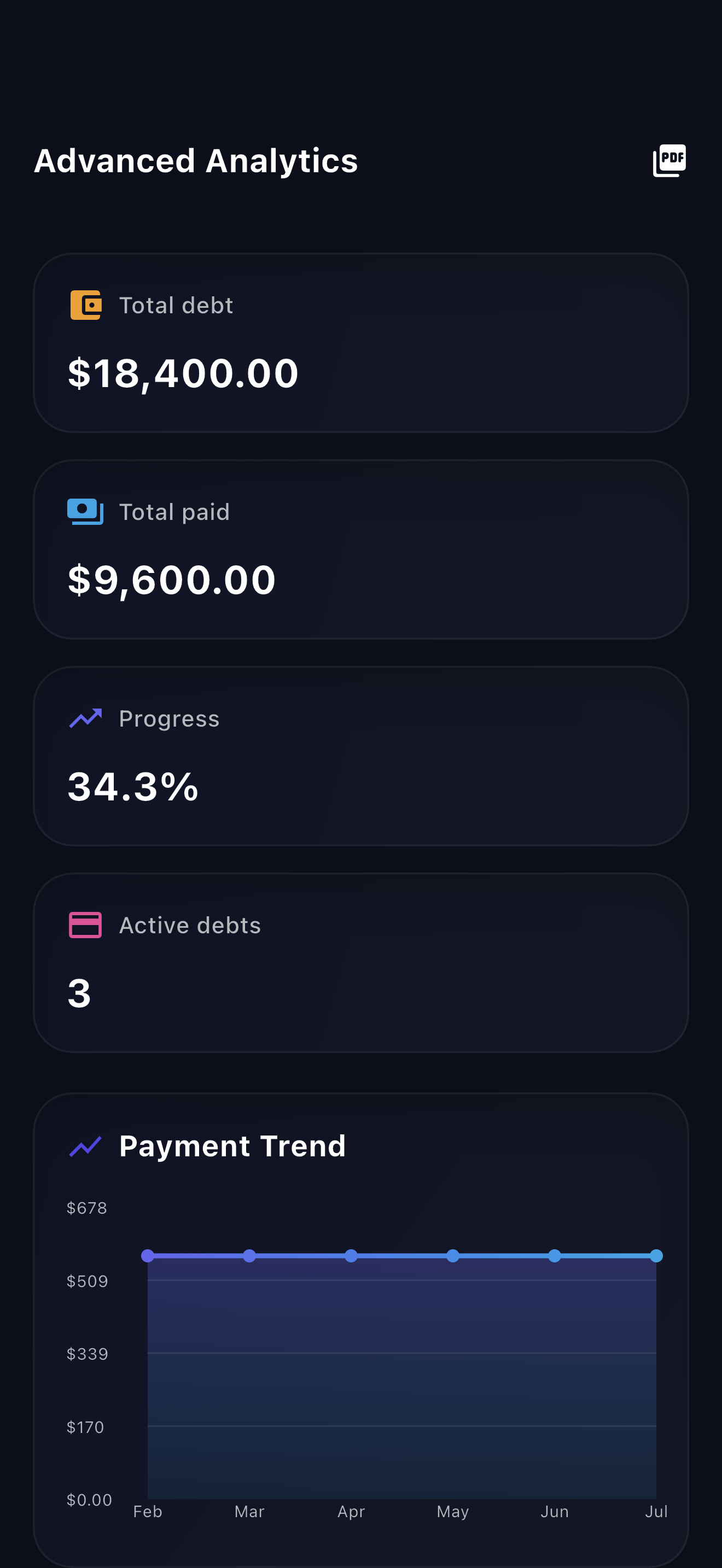
Payooo can be the manual record in this process. You still verify balances, make actual payments through the creditor or bank, and decide where exported records go. It is a planning tool, not a bank feed or a privacy guarantee.
Free download with optional in-app purchases. See your store for current prices, subscriptions and terms.
A useful manual system stores less, labels uncertainty and leaves an evidence trail. No bank link is a product choice, not a substitute for checking the numbers or protecting the files.
FAQ
Common questions
No. Debt and payment information is entered manually. Use creditor statements to verify it; entering a payment does not submit a bank transaction.
No. Local debt records, exported files, device backups and external app services have different privacy boundaries. Review Payooo's privacy disclosures and the destination before sharing a file.
Not in the reviewed payment model. These are labels for your own notes and reconciliation checklist. A saved Payooo payment is a manual record, not automatic creditor confirmation.
