
Peptiva guide
Private GLP-1 Reminder Log: Separate Alerts, Events and Uncertainty
Set a reminder from existing prescription instructions, keep actual events separate and review privacy choices without assuming all app data stays on the phone.
Educational only. Not medical advice.
Keep the reminder configuration separate from the record of what actually happened. Copy an existing prescribed routine, verify that notifications are allowed and confirm events independently. If you cannot remember whether an injection occurred, document that uncertainty rather than treating the alert as proof.
- A scheduled prompt describes an intention, not an event.
- Use actual dates and times only when you can confirm them.
- Check lock-screen visibility and review exports before sharing.
Privacy and accuracy are different checks. A discreet notification can still point to an incorrect schedule; an accurate log can still be shared more broadly than intended. MedlinePlus supplies semaglutide-specific information, but this article does not translate that information into a universal medication schedule or missed-dose rule.
Configure the reminder from instructions you already have
In Peptiva, open Settings and Reminders, select the medication and review its reminder cadence and time. Use settings that reflect the instructions you received; do not choose a medical interval from the available options. Some cadence options depend on app entitlement. Check the notification-permission message and the saved reminder label.
Keep a separate note of the instruction source and when it was confirmed. If the settings cannot accurately represent the instructions, ask for help rather than rounding to the nearest available option. A missing alert is also not a reason to change medication timing.
| Record layer | Example | What it establishes |
|---|---|---|
| Reminder setting | September 2, 7 pm; copied from individually confirmed instructions | Planned notification only |
| Observed alert | Phone displayed reminder at 7 pm | Notification appeared; no proof of injection |
| Confirmed event | Personal note records an event at 7:18 pm | Record of what this fictitious person confirmed |
| Separate uncertain recollection | September 9: I remember an alert, not an event | Unresolved note; do not mark taken from this alone |
Understand the history states and their limits
The reviewed dose-history implementation distinguishes scheduled, taken, missed and skipped records. These are not four interchangeable descriptions of a fired reminder. Taken should represent a confirmed event. A skipped record is not advice that skipping is medically appropriate, and a missed label does not supply replacement instructions.
There is no dedicated uncertain state in that implementation. Keep a journal note with the planned date, last confirmed event and what you cannot establish. Do not create a taken event to gain access to a notes field. Ask your clinician or pharmacist when medication use is uncertain; do not infer the answer from the next alarm.
Review privacy beyond the notification itself
Use the phone's notification settings to decide whether previews are visible when locked. Consider who can access the unlocked device and whether health information appears in a widget or shared file. Record only details you need and check the recipient whenever you export a report.
Peptiva uses local tracking storage, but that is not a promise that no information leaves the device. Its Apple privacy disclosure lists purchases, identifiers, usage data and diagnostics; the local implementation also contains analytics. Optional health integrations and user-directed sharing are separate data paths. Review current disclosures and any backup settings before relying on a privacy assumption.
Inside the app
Peptiva provides medication reminders and a separate event history. Use those functions as organizational aids, not confirmation of medication use or clinical decision support. Its current App Store listing provides a public starting point for reviewing privacy disclosures.
Free download with optional in-app purchases. See your store for current prices, subscriptions and terms.
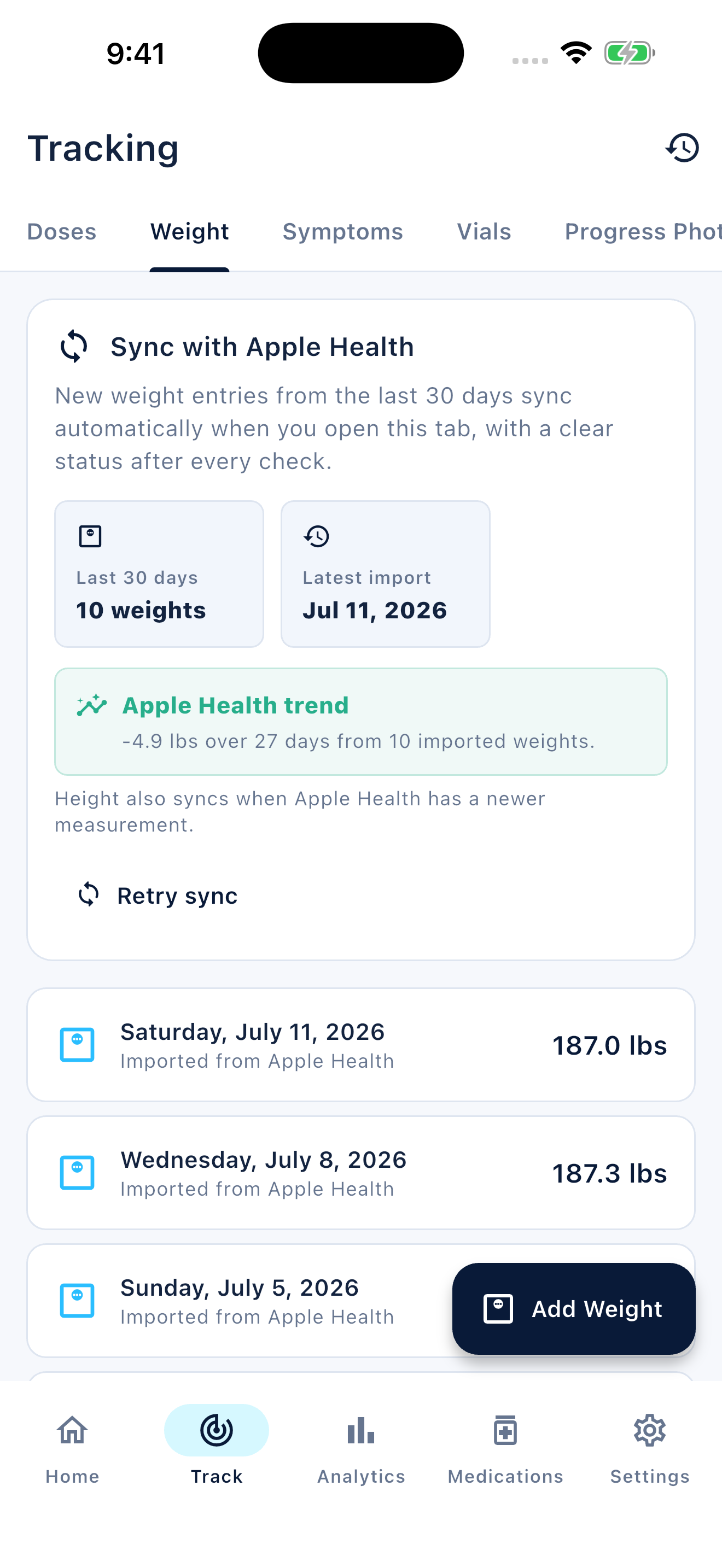
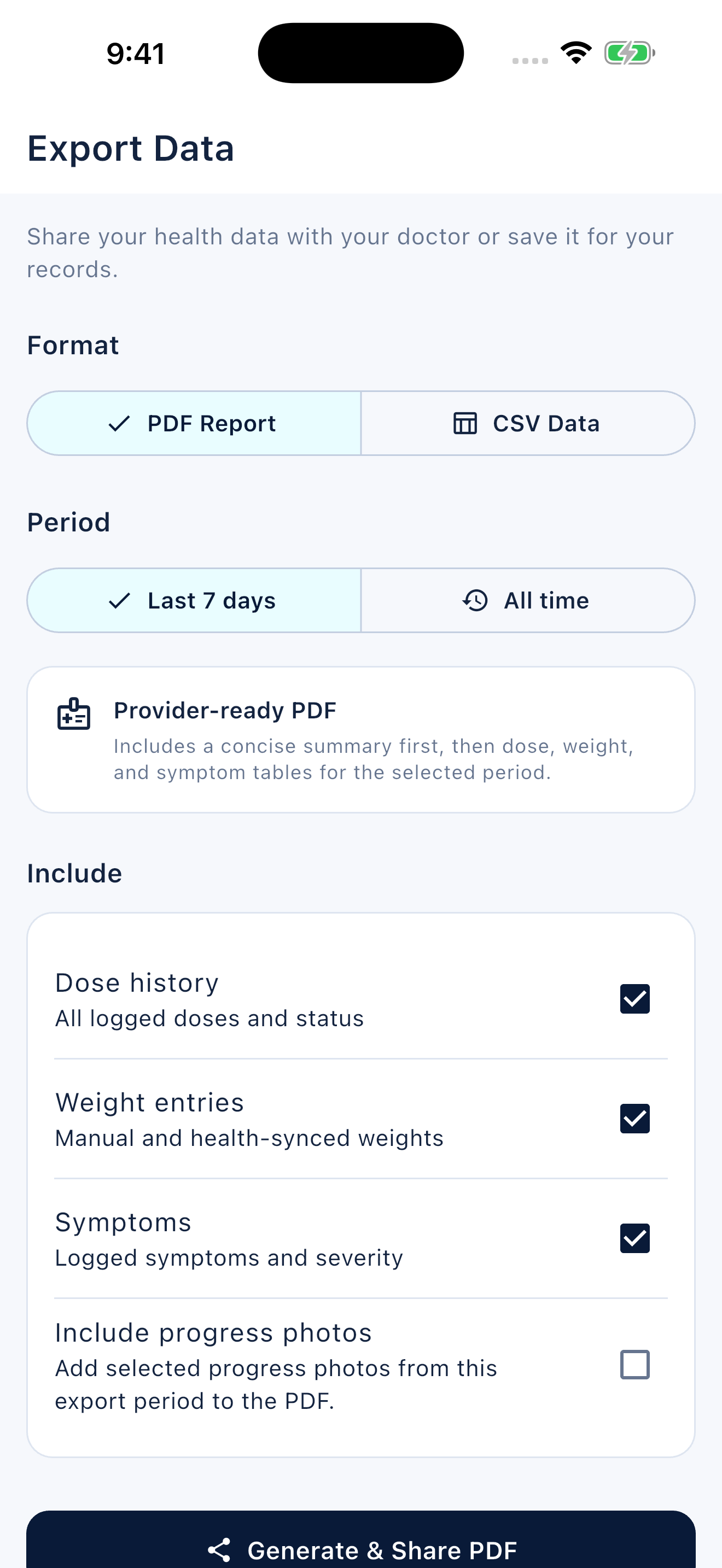
A useful reminder log answers what was planned, what is confirmed and what remains unknown. Privacy requires checking where the record can be seen and shared.
FAQ
Common questions
Do not use dismissal as evidence of medication use. Review the actual event history and record only an event you can confirm.
The reviewed history supports scheduled, taken, missed and skipped states, not a dedicated uncertain state. Preserve uncertainty in a journal note without inventing a taken event.
No. App analytics, purchase services, optional integrations and files you share require separate consideration. Review current privacy disclosures and your device settings rather than relying on an absolute claim.
