
Peptiva guide
Monthly GLP-1 Review: A Completed Recordkeeping Checklist
Review a complete month with a filled example covering missing records, observations, contact history and open questions without grading treatment outcomes.
Educational only. Not medical advice.
Review one defined calendar month and separate three things: recorded facts, gaps in the record and questions needing a professional answer. The result should be a compact handoff, not a grade for weight loss or medication adherence. Include uneventful periods rather than selecting only the most memorable days.
- Write the exact start and end dates.
- Check gaps before interpreting any totals.
- Carry unresolved questions forward with their original dates.
This article is about closing a month, not choosing how often to weigh yourself or building an appointment export. MedlinePlus advises keeping appointments and reading the Medication Guide for your product. A monthly personal summary supports that conversation; it does not replace clinical follow-up or monitoring requested by your care team.
Define what the month actually contains
Put the calendar boundaries at the top, then check whether the selected app view uses the same period. A rolling 30-day report is not always a calendar month. Note when you began using the tracker, which days have entries and whether another notebook holds part of the history.
Do not calculate a completion percentage from incomplete records. A missing injection entry is not proof of a missed injection. Equally, a scheduled reminder is not evidence of a completed event. Keep any uncertainty next to the relevant date instead of hiding it in an average.
| Check | Completed review |
|---|---|
| Record coverage | August 1-31; daily notes on 24 of 31 days; seven days unrecorded |
| Event history | Three confirmed entries; August 18 reminder has no confirmed event |
| Weight records | Four readings; one on a different scale, labeled in its note |
| Hunger and symptoms | 18 hunger entries; nausea noted on two dates; no assumption about other days |
| Ordinary periods | August 10-16: six brief entries, none describing new concerns |
| Context | Travel August 17-20; uncertainty noted on August 18 |
| Contacts | Pharmacy conversation August 21 recorded separately |
| Questions carried forward | Clarify August 18 record; ask what information to bring next month |
Check the summary against its supporting entries
Read each summary sentence back against the underlying notes. Replace symptoms worsened with the actual observation if all you know is that you made more entries. Check that two notes about one episode have not become two separate episodes in your own count.
Retain the week that did not generate a question. It helps distinguish a gap in logging from an observed uneventful period. When an entry is corrected, preserve the reason in a dated note; this is a manual recordkeeping practice, not a claim that the app provides an audit trail.
Close administrative tasks without making medical decisions
Choose one recordkeeping improvement for next month, such as labeling approximate times or keeping pharmacy contact notes together. Separately list clinical questions. Do not turn a weight chart, hunger rating or percentage into a reason to adjust treatment.
For the fictitious month, the practical next step is to locate the August 21 conversation note and keep the August 18 uncertainty visible. The unresolved issue is not repaired by filling in an event. Ask the relevant professional for clarification while preserving what is and is not known.
Inside the app
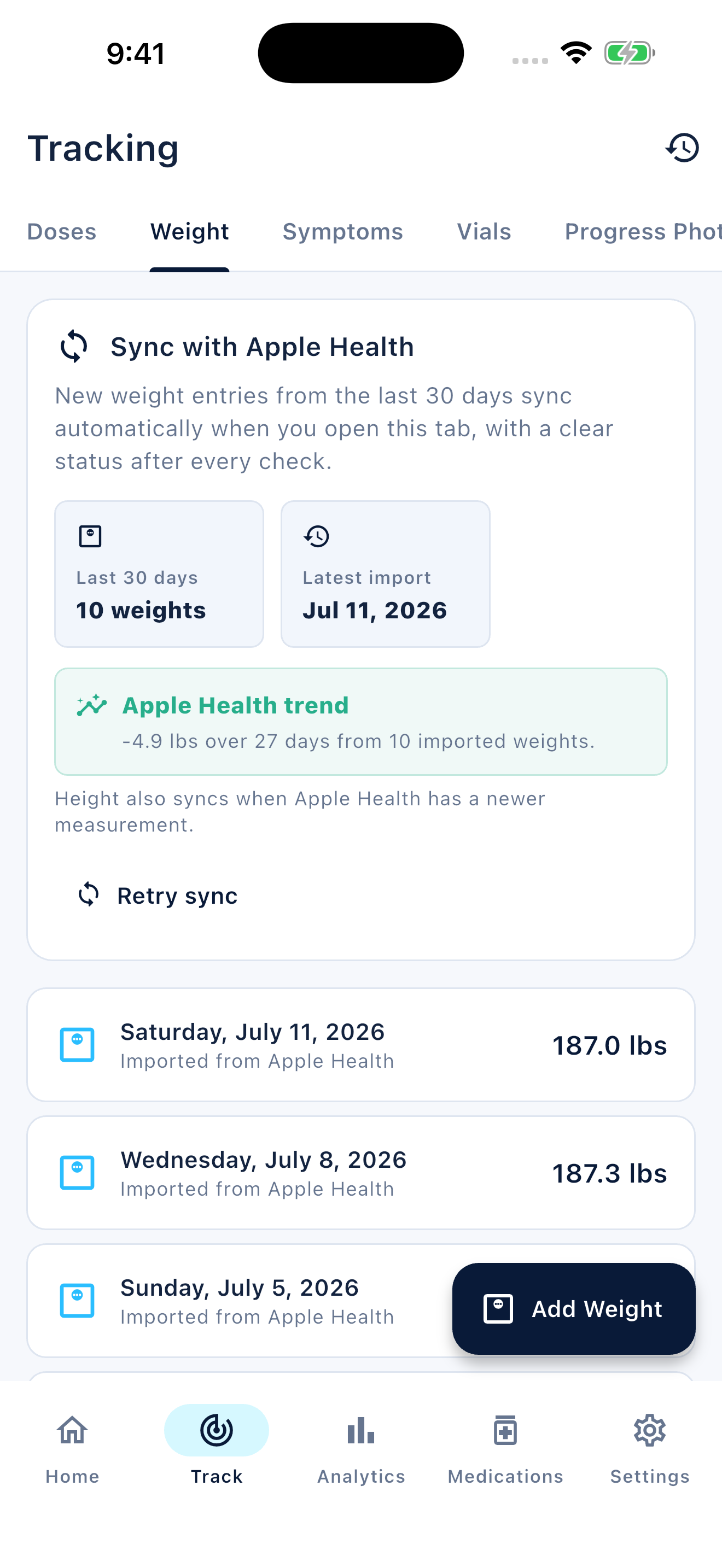
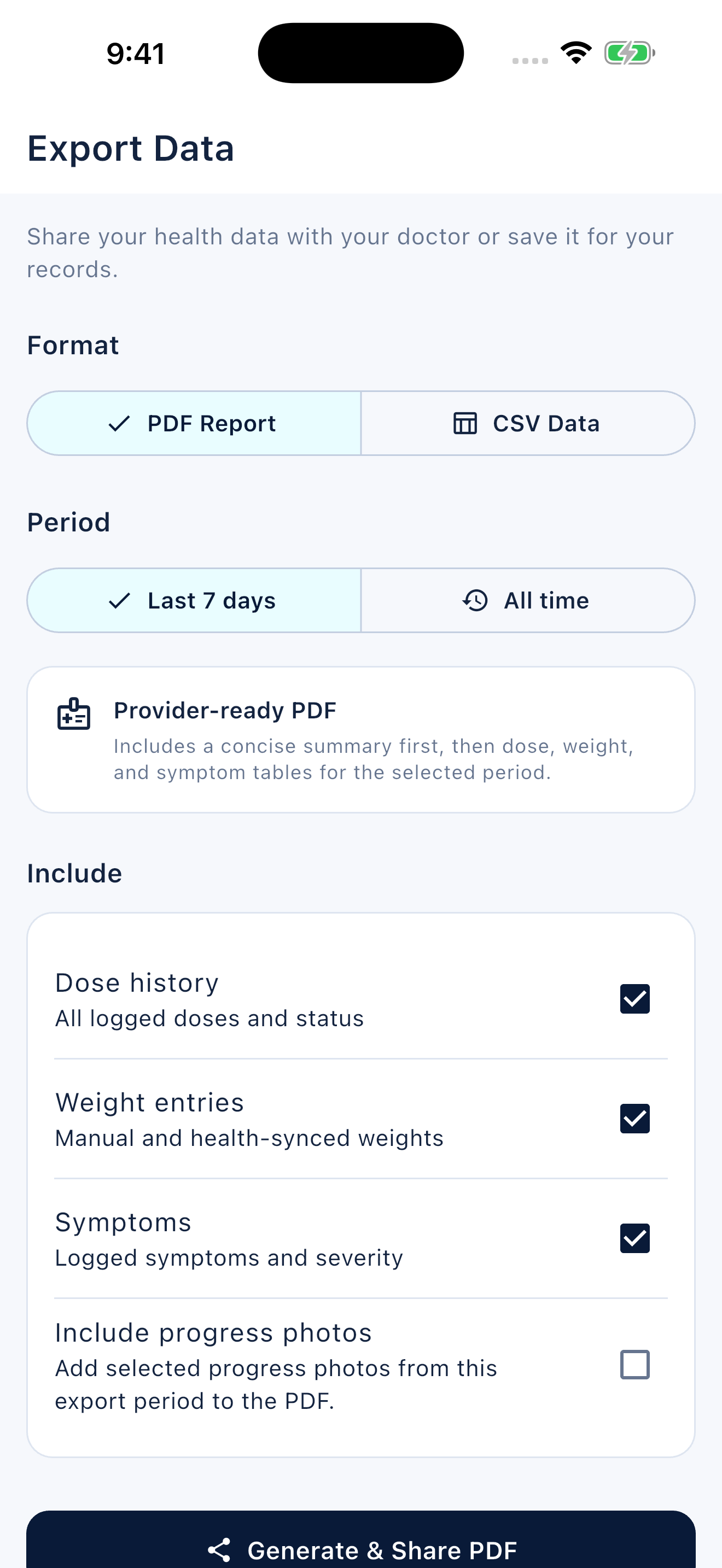
Peptiva keeps tracking records and offers period summaries. Its separate Clinical report view uses rolling 30-, 60- or 90-day periods. Check the displayed boundaries before calling a report a calendar-month review, and add your own coverage note when needed.
Free download with optional in-app purchases. See your store for current prices, subscriptions and terms.
Finish with a truthful summary and a small question list. An orderly month of records is useful even when it contains gaps or no clear conclusion.
FAQ
Common questions
No. It checks what you recorded and what remains unclear. Counts, charts and app summaries cannot assess treatment effectiveness or safety.
Not necessarily. Say no symptom entries unless you actually documented symptom-free observations. Missing information should stay visible.
No. Contact your care team when the question arises, and seek urgent help when appropriate. The monthly review is an organizational task, not a waiting period.
