
Coleo guide
Family Calendar and Expense Planner: Connect an Event, a Payment, and a Package
Follow one activity through its calendar event, prepaid package, expense record, and later renewal decision without counting class usage as another payment.
Connect each calendar event to its activity and cost basis, then ask whether it creates a new payment or uses something already purchased. A useful family planner keeps planned time, actual attendance, payment evidence, and package balance related without treating them as the same fact.
- Use one identifiable activity across the calendar and cost record.
- Separate a scheduled session from a confirmed attended session.
- Keep payment and package deadlines independent unless the provider changes them.
This guide is about the relationship between an event and its cost. It is not another whole-family budget or a replacement for the single-activity setup guide. The CFPB bill calendar provides a companion view of payment dates; the example below adds the prepaid-service connection.
Link the event to the reason money is or is not due
A recurring class can be funded by monthly tuition, a prepaid package, or a per-class arrangement. Start with that cost basis before attaching a fee to every calendar occurrence. Put the provider and activity name in a consistent form so similarly named classes do not get mixed together.
For a prepaid package, the class event should point back to the purchase and the remaining session record. For a monthly fee, it should point to the correct billing period. A single class can be canceled without canceling the month's fee, and moving the event does not automatically move a payment deadline.
Example: one Saturday class backed by a prior purchase
Leo's drawing activity and all USD figures are fictitious. He previously purchased four lessons for USD 100 and has attended one. The next Saturday class is planned but has not yet happened. The provider's example policy has no cancellation exception in this sequence.
The USD 25 per-session allocation explains package use, not another transfer of money. Adding USD 25 to the original USD 100 as a new payment would misstate this example's cash spending.
| Record | Before Saturday | After confirmed attendance |
|---|---|---|
| Calendar event | Drawing, Saturday 10:00-11:00 | Past event; retain actual class date |
| Activity | Leo; Example Drawing Studio; four-session package | Same activity and provider |
| Purchase expense | USD 100 paid previously; receipt DEMO-DRAW | No new purchase |
| Package use | One used; three remaining | Two used; two remaining |
| Current cash payment | None due for this prepaid session | USD 0 new cash payment |
| Family follow-up | Confirm collection adult | Ask about remaining booking dates before considering renewal |
Change the right record when the plan changes
If Saturday moves to another day, record the replacement agreement and verify the adult handoff. Do not mark both dates attended. If the provider charges a missed class, keep that policy treatment distinct from attendance; Coleo's skipped class entries do not consume package sessions, so the exception needs a separate reconciliation.
If the package is nearly used, ask the provider about the confirmed balance, validity, and next purchase terms. A low count is a reason to review, not an instruction to renew. Keep any proposed renewal out of paid expenses until the family actually purchases it.
Inside the app
Coleo stores activity schedules and package counts, and its activity-category expense flow can associate an expense with an activity. Those records support a parent's review. The map above is editorial: it does not promise a single screen containing every field, bank verification, provider synchronization, or automatic expiry alerts.
Free download with optional in-app purchases. See your store for current prices, subscriptions and terms.
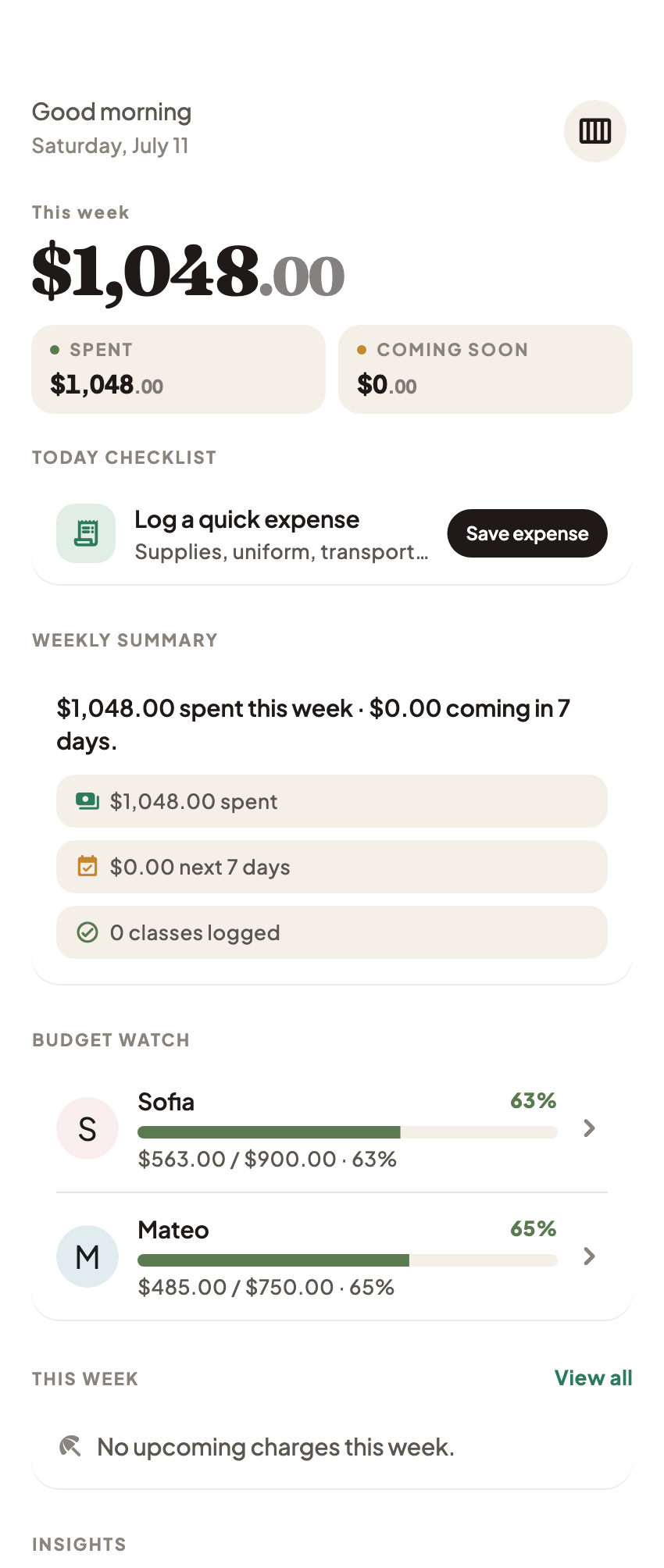
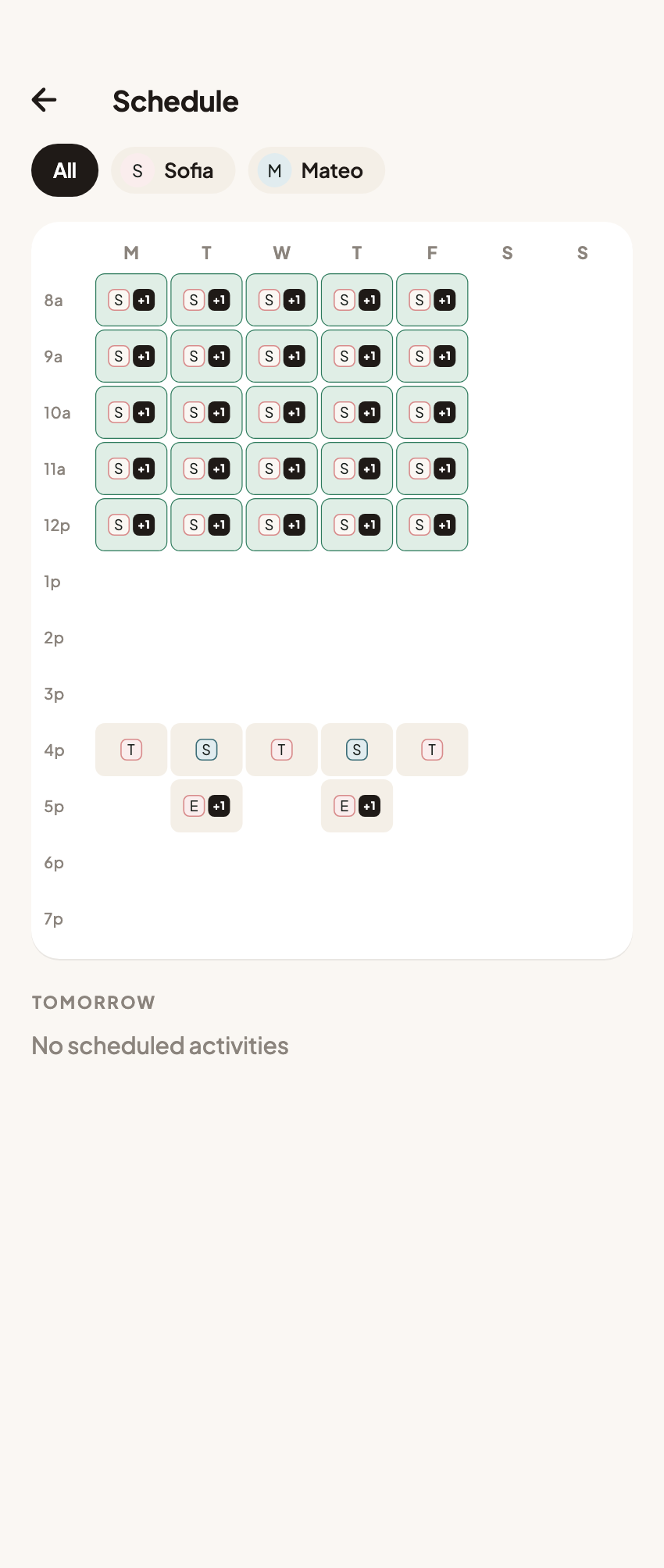
Read a busy week in two passes: where the family needs to be, then what actually needs paying. The connection between those views matters more than making every event look like a new expense.
FAQ
Common questions
No. A prepaid class can use an existing package without creating a new cash payment. Keep the purchase and the dated class history connected but distinct.
Only when the provider confirms that change. Calendar time, package validity, and payment deadlines are separate facts.
No. It shows the planned appointment. Record actual attendance separately and verify payment allocation through the provider rather than treating an event as proof.
