
Coleo guide
Extracurricular Registration Deadline Checklist: From Interest to Confirmation
Follow a worked registration checklist with forms, provider deadlines, deposits, waitlists, travel checks, and explicit enrollment confirmation.
Track registration as a sequence of evidence-backed steps: check eligibility and timing, submit the required material, handle any payment through the provider, and obtain confirmation. Give every pending step an owner and a deadline. Keep the payment result separate from the enrollment decision.
- Record the provider's exact closing time and time zone when relevant.
- Check the journey and sibling handoffs before committing.
- Keep the official terms link beside your checklist.
Interested, applying, waitlisted, and confirmed are labels for the worksheet in this article. They are not claims about Coleo's interface. School years and activity registration windows vary, so use the provider's local dates rather than a universal registration season.
Read the terms before creating a payment task
Open the provider's official registration page and record its direct URL in your own checklist. Note the session identifier, age or prerequisite requirements, opening and closing dates, required forms, and what happens after submission. Do not rely solely on a forwarded image that may omit conditions.
Ask whether a deposit reserves a place, pays part of the fee, or only accompanies an application. Record cancellation and refund terms as received, including their date. If a term is unclear, the next task is to ask the provider, not to assume that another activity's policy applies.
Example: an application that becomes a waitlist entry
This invented process concerns Leo's drawing class. Day numbers are relative to an imaginary registration opening; they are not real deadlines or a real provider policy. In this example only, the provider accepts a USD 20 deposit while allocating places.
| Step | Deadline | Evidence or state | Next action |
|---|---|---|---|
| Check class and travel | Day 1 | Thursday slot fits after 25-minute journey | Parent A confirms collection |
| Submit required form | Day 4, 17:00 local | Submission acknowledgment saved | Await provider review |
| Pay application deposit | Day 4 | USD 20 receipt received | Do not assume enrolled |
| Review allocation | Day 6 | Provider says waitlisted | Keep recurring calendar unconfirmed |
| Accept offered place | Day 9, 12:00 local | Offer received; acceptance required | Reply through official channel |
| Check final confirmation | Before first class | Provider confirms accepted place | Add confirmed start and any balance due |
Close each branch of the process deliberately
A confirmed place needs a start date, class location, equipment check, and agreed collection arrangement. A waitlist needs a follow-up date and a decision about alternatives. A declined offer needs confirmation of what happens to any deposit; do not mark a refund received merely because it was requested.
Store only the information needed to follow the process. Forms containing sensitive child details belong in the provider's designated channel, not copied indiscriminately into a general family worksheet. For monetary deadlines, the CFPB bill calendar is a separate planning aid, not evidence that an application succeeded.
Inside the app
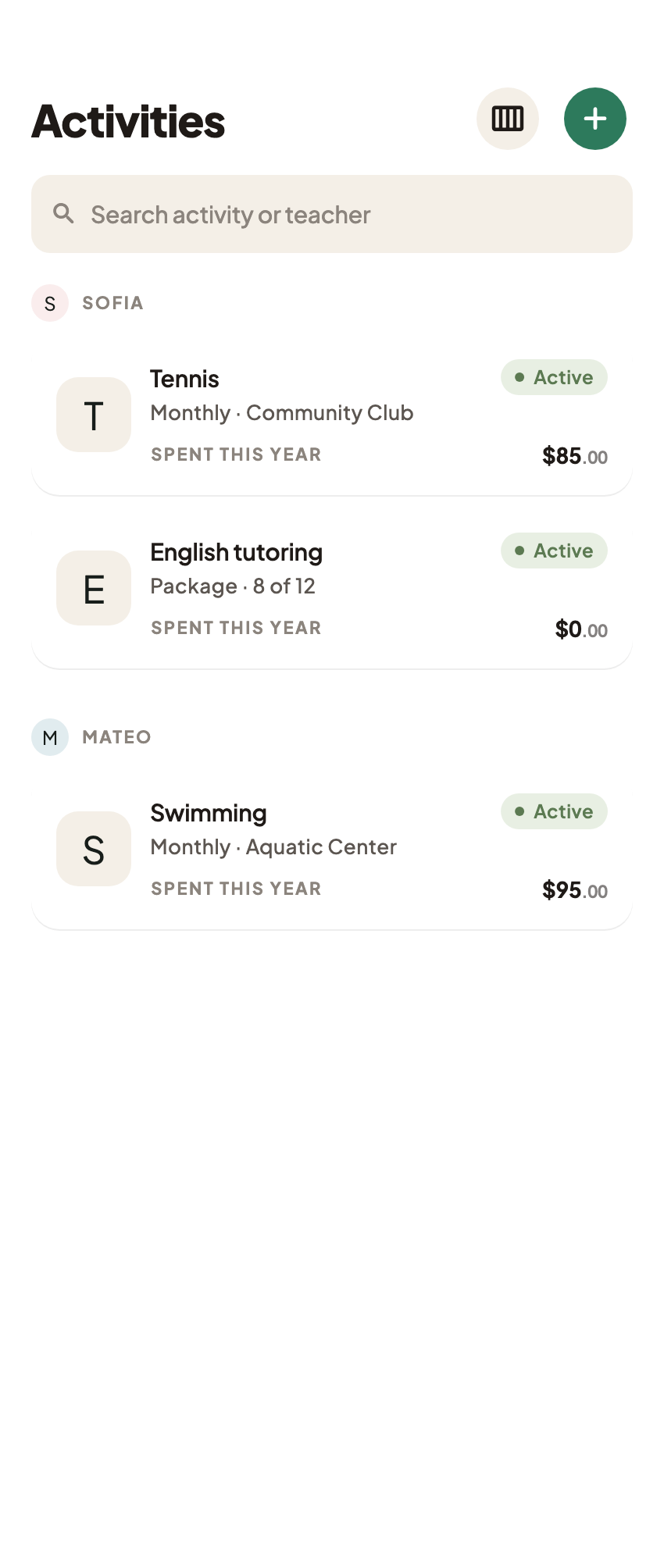
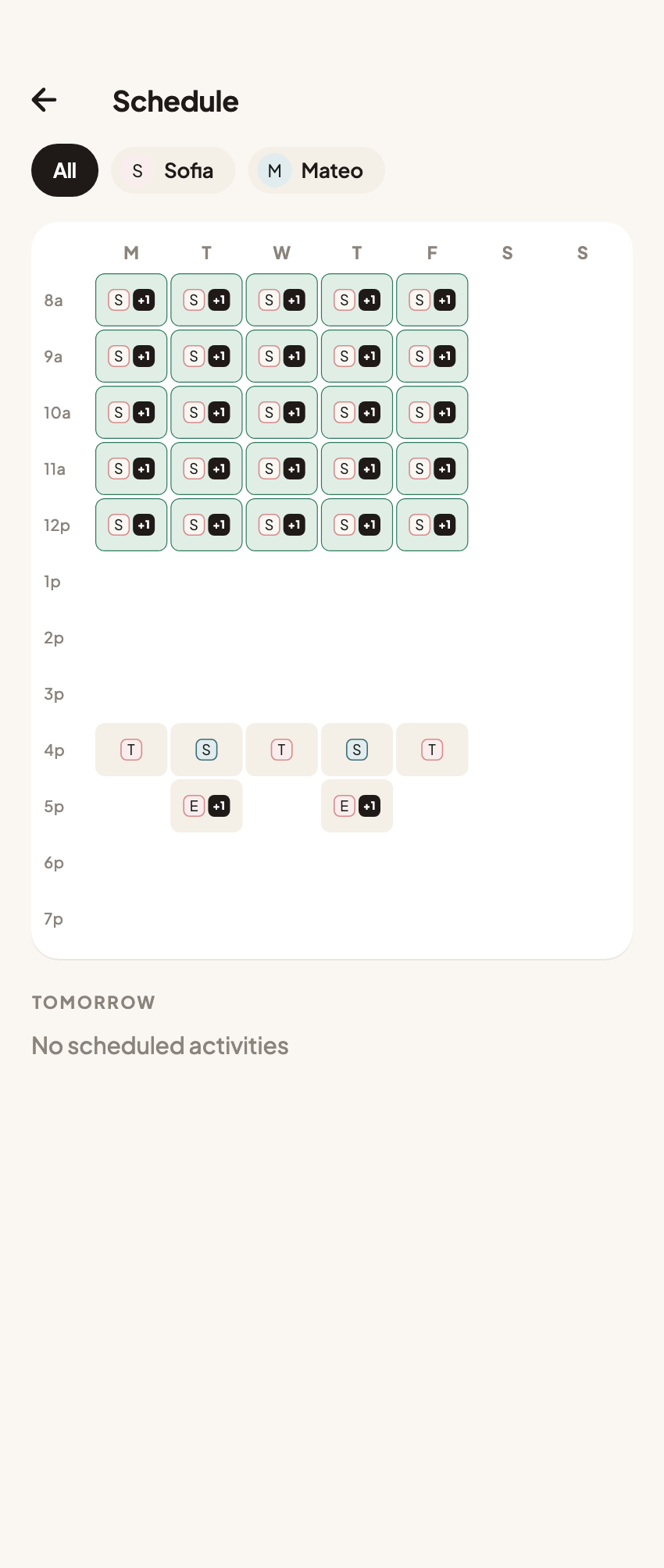
Once the place is confirmed, Coleo can organize the child, provider, activity schedule, and associated cost records. An actual deposit payment can have an expense note and receipt photo. Registration submissions, eligibility decisions, waitlist management, and refunds remain with the provider.
Free download with optional in-app purchases. See your store for current prices, subscriptions and terms.
End the checklist only when the provider's decision is clear and the family has handled the next obligation. Submitted, paid, and enrolled answer three different questions.
FAQ
Common questions
Use the provider's explicit enrollment confirmation, including the child, session, start date, and any remaining conditions. A payment or submitted form alone may not be sufficient.
They are editorial checklist labels in this guide, not verified native controls. Keep the application checklist separately until an activity is confirmed.
Use the school's or provider's official registration process. Coleo does not submit applications or verify eligibility.
