
Payooo guide
How to Reset a Debt Payoff Plan After an Expensive Month
Replace an unaffordable target with verified payments and today's budget, using a lower-income example without turning an unmade payment into history.
Payooo is for planning and tracking. It is not financial advice.
Reset a debt plan by recording what actually happened, replacing stale balances and revising the extra payment from current cash. Do not turn an optional target you missed into a new obligation or a fictional completed payment.
- Separate intended, submitted and creditor-confirmed amounts in your notes.
- Check lower income and unexpected costs before planning a recovery payment.
- Keep contractual amounts due visible even if optional extra becomes zero.
- Use a new baseline without rewriting the old evidence.
An expensive month may reveal a one-time shock or an ongoing budget gap. Those need different responses. The aim here is to close an inaccurate scenario and establish the next workable decision, not to judge spending or prescribe a payment amount.
Example: lower income changes the available extra
In this fictitious USD case, Morgan expected $2,800 of received income but collected $2,300. Essential spending also rose by $150. Required debt payments of $300 were confirmed; the planned $400 extra was never sent.
- The actual $50 gap was covered from an existing reserve in this example.
- The unmade $400 is not part of payment history.
- The reserve withdrawal needs attention; a new extra-payment promise does not resolve it.
| Budget item | Original plan USD | Actual month USD |
|---|---|---|
| Received income | 2,800 | 2,300 |
| Essential costs | 1,900 | 2,050 |
| Required payments | 300 | 300 |
| Cash after those items | 600 | -50 |
| Optional extra paid | 400 planned | 0 confirmed |
Close the old scenario without inventing progress
Keep a short note: extra $400 planned, not made; income lower by $500; essential costs higher by $150. These are explanatory notes, not Payooo payment status controls. Retain the $300 of confirmed payments with their real dates.
If an intended payment was accidentally recorded as completed, identify that entry and correct the manual record using the supported editing flow and creditor evidence. Recheck the balance afterward. Do not offset the error with another invented payment, credit or guessed interest charge.
Make the next scenario fit the changed facts
Suppose the next month's collected income is again $2,300, essential costs return to $1,900, and required payments remain $300. That leaves $100 before any reserve rebuilding or other commitments. Keeping that $100 available and modeling zero extra is a valid scenario, not a recommendation for every reader.
Do not add the old $400 target to the new minimums. Compare the revised scenario with actual account terms, including changed fees or APRs, and record why the estimated finish moved. If lower income persists, revise the baseline rather than repeatedly labeling ordinary months exceptional.
Escalate a payment shortfall beyond the planner
If current required payments do not fit, contact the issuer promptly. The CFPB's US credit-card guidance recommends explaining what you can afford and asking about a changed arrangement. Approval, cost and credit consequences depend on the situation.
Request the effective dates and obligations of any agreement, and retain the confirmation. Continue using the current terms until you know what has changed. A planning record can organize that conversation but cannot negotiate, waive fees or replace qualified local advice.
Inside the app
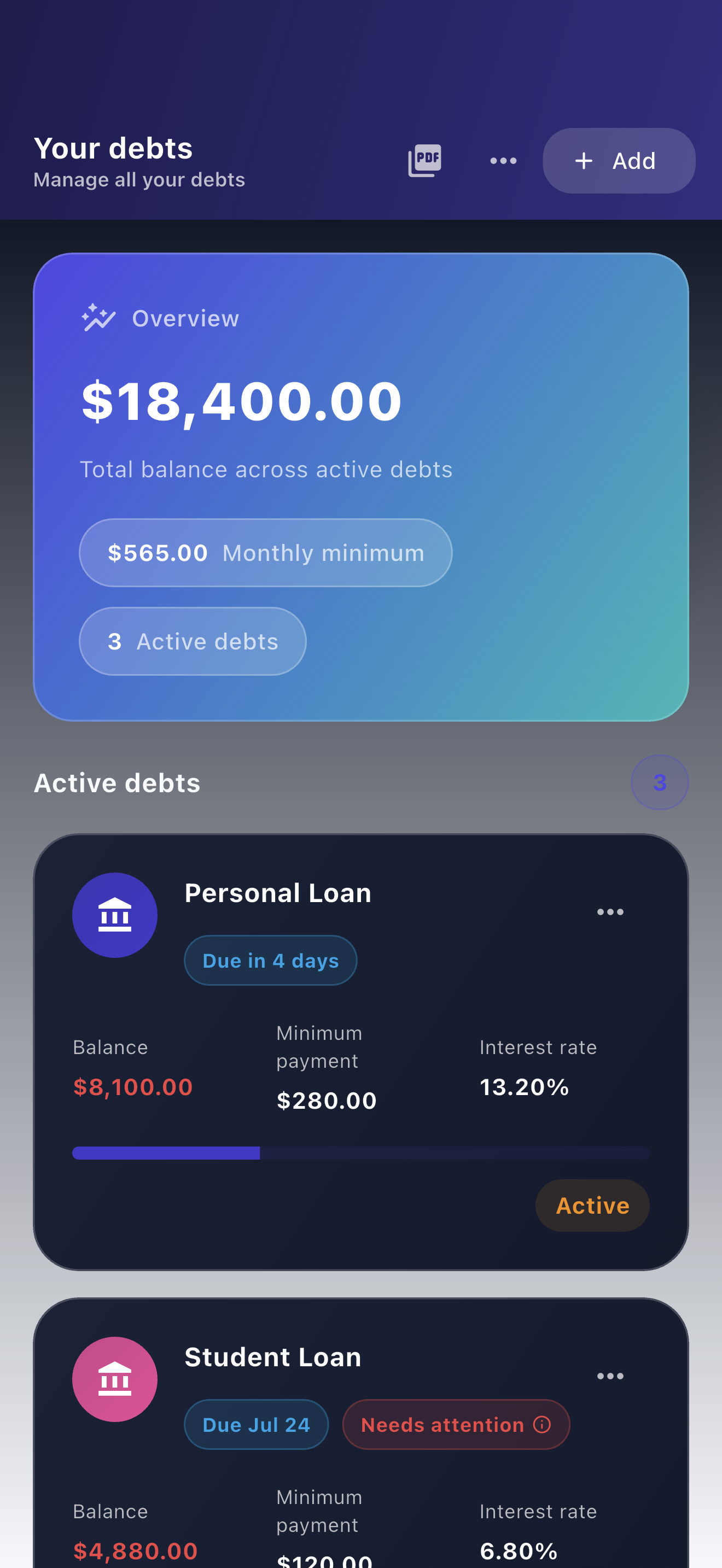
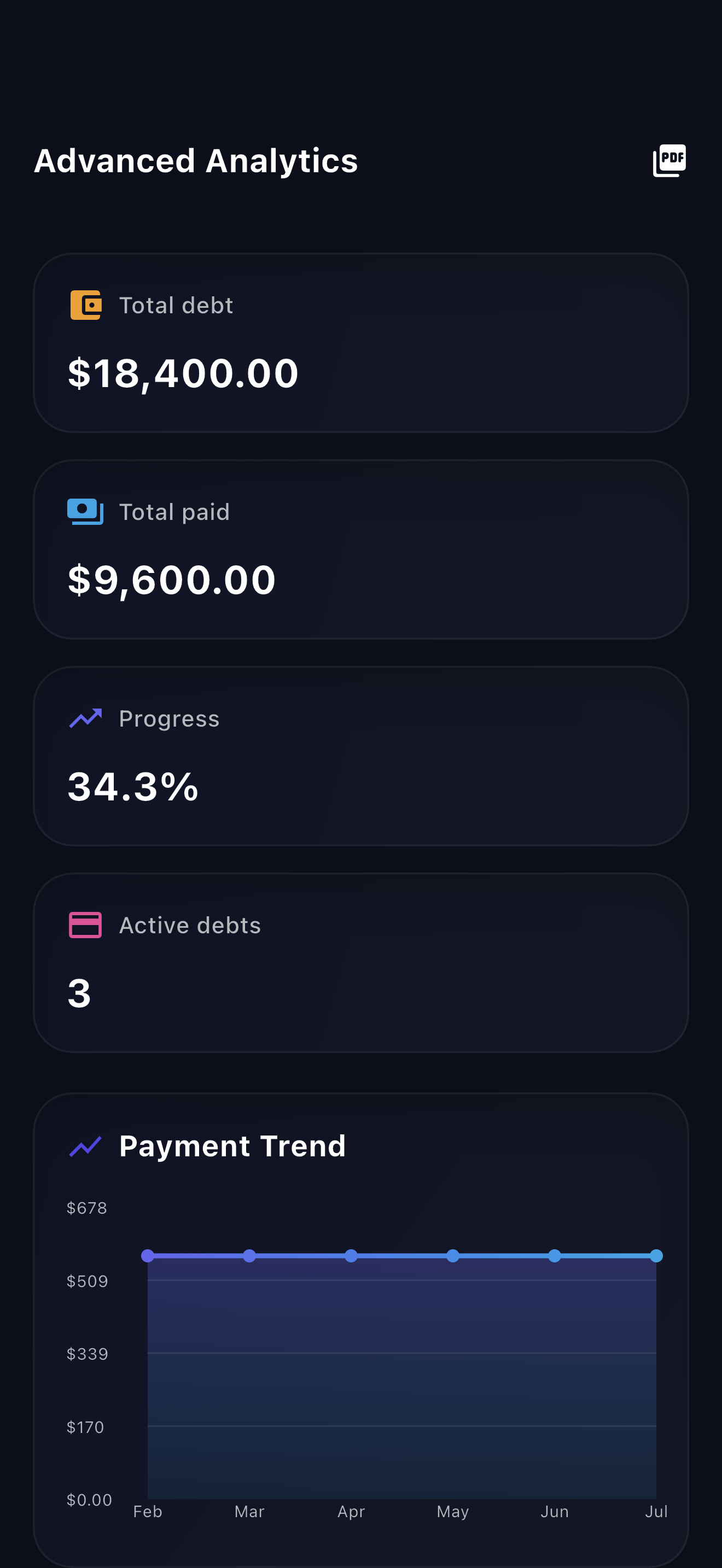
Payooo lets you maintain manual balances and compare changed extra-payment scenarios. Use the payment history for events you have verified and notes for explanations. A scenario change does not move money or amend a creditor agreement.
Free download with optional in-app purchases. See your store for current prices, subscriptions and terms.
A useful reset produces an honest history and an affordable next decision. It does not erase the difficult month or charge next month's budget for a promise it cannot support.
FAQ
Common questions
Not automatically. An optional goal is different from a contractual amount due. Recheck current obligations and cash flow instead of adding the missed target to next month's bills.
Keep it out of completed payment totals and label the original intention as not made in your planning notes. If it was entered as a completed payment by mistake, reconcile the record and balance against creditor evidence.
Contact the creditor promptly and ask about arrangements. Request the terms and costs before relying on a change. A smaller number in an app does not alter what the creditor requires.
